
Every crawl you run for a client is kept, so you can go back to an older report.
Steps
-
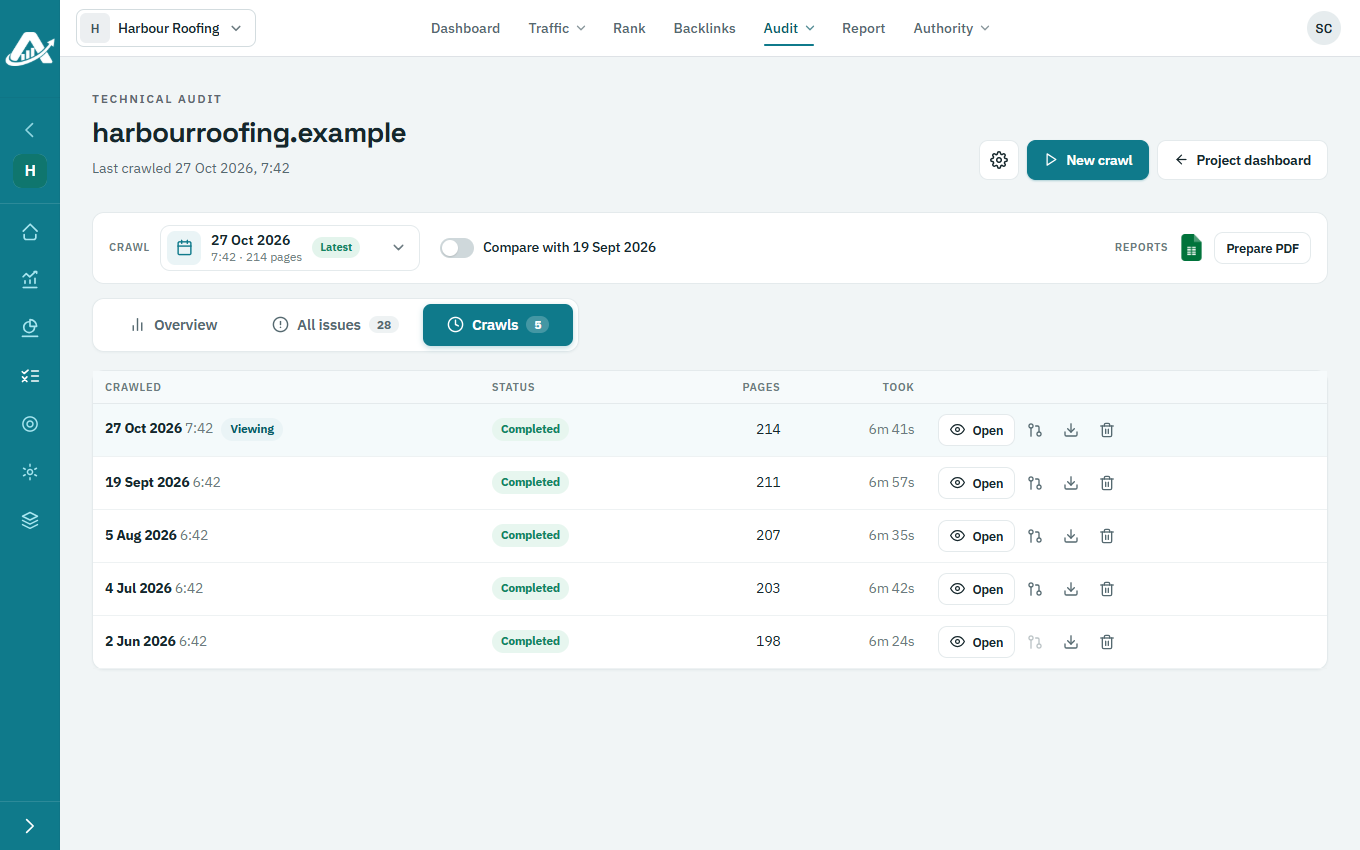
Open the client’s project, go to Audit › Technical audit and open the Crawls tab. Each crawl shows its status, how many pages it read and how long it took.
-
Click a crawl to open its report.
-
To delete a crawl, click its delete button and confirm.