
Slow pages put visitors off and can hold back rankings. The Experience tab shows how the client’s pages perform for real visitors, and tests a page to show what slows it down.
Steps
-
Open the client’s project, go to Audit › Search Console audit and open the Experience tab.
-
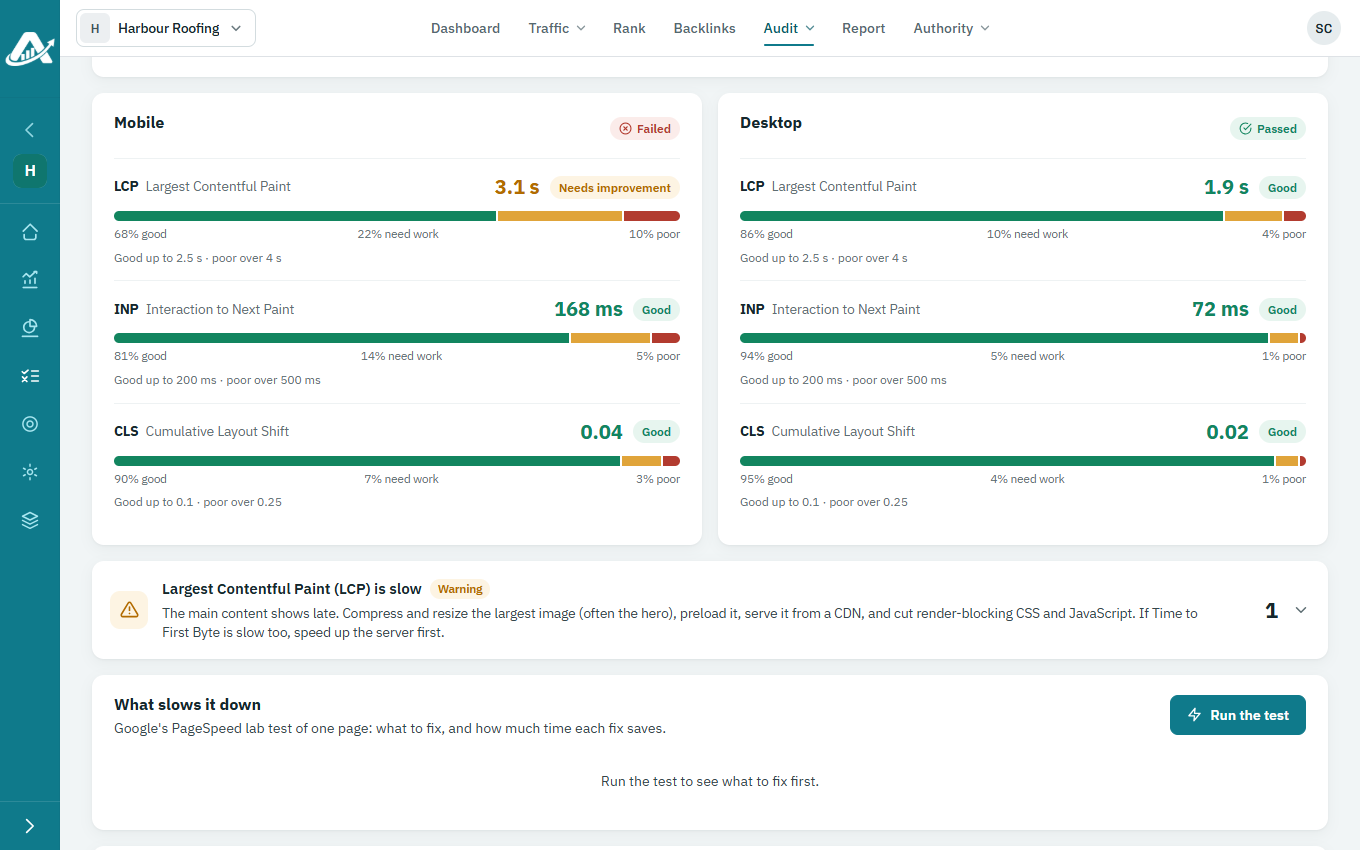
Core Web Vitals shows how quickly the site’s pages load and respond for real visitors, from Chrome’s data.
-
To see what slows a page down, choose it under Page to test and click Run the test. Google’s PageSpeed test lists what to fix, and how much time each fix saves.