
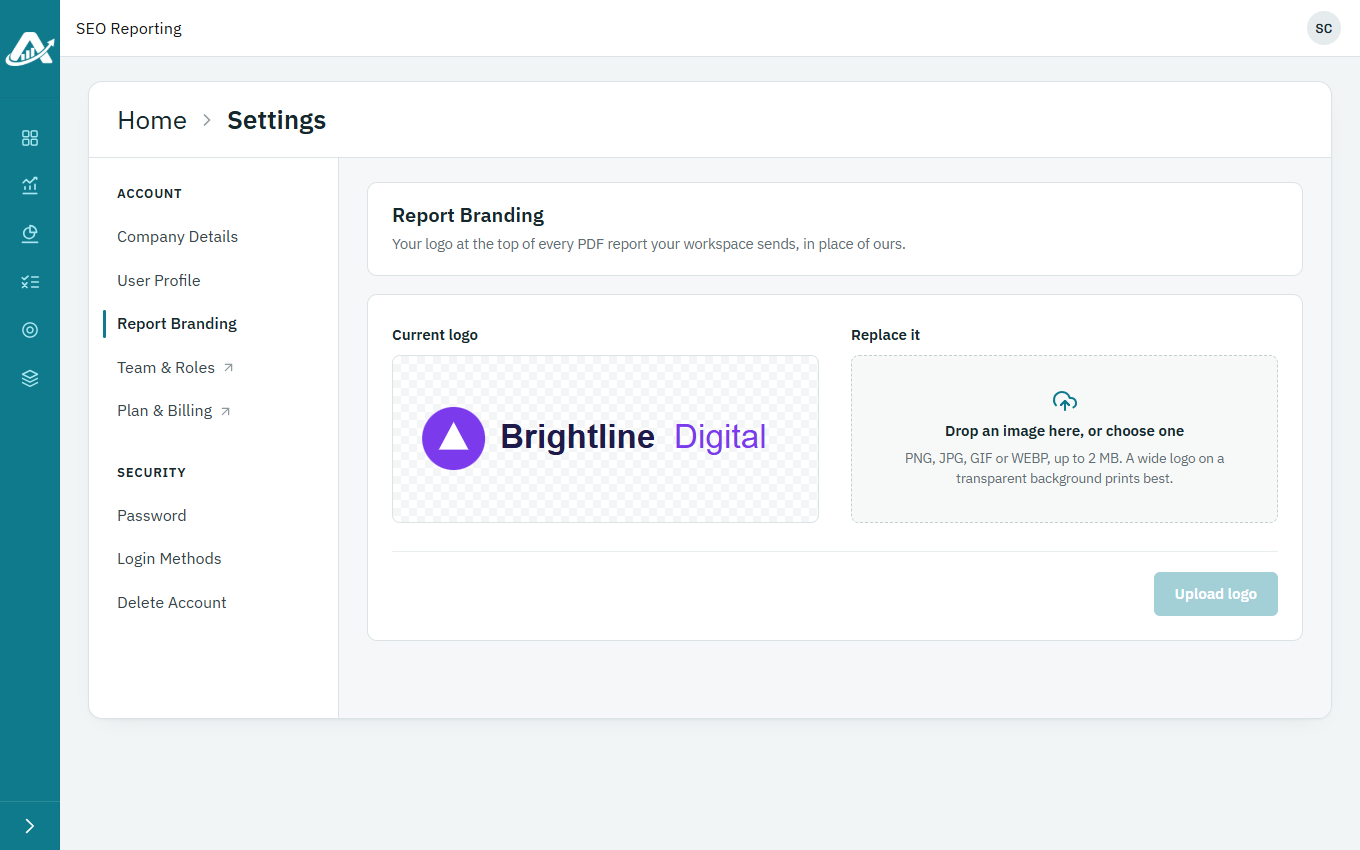
Add your agency’s logo and it replaces ours at the top of every PDF report your workspace sends.
Steps
-
Click your picture or initials in the top-right corner, then Profile, and open Report Branding.
-
Drop your logo onto the box, or click it to choose a file: a PNG, JPG, GIF or WEBP image of up to 2 MB.
-
Click Upload logo.