
Point links from your blog posts to a page you want to rank, such as a service page. AI adds the links into the posts for you. The site’s posts and pages need to be in the Content Library first.
Steps
-
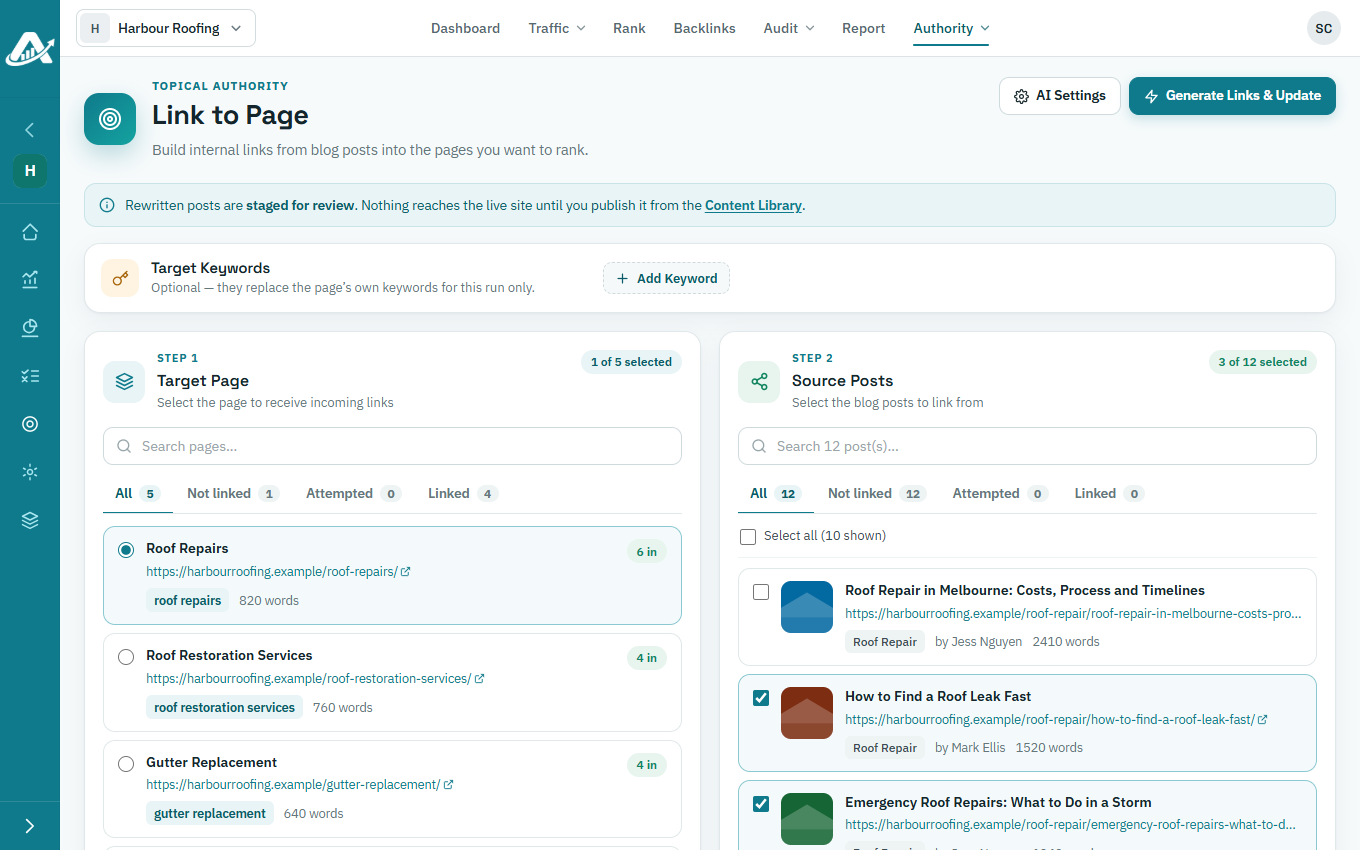
Open the client’s project and go to Authority › Link to Page.
-
Under Target Page, choose the page that should get the links.
-
Under Source Posts, tick the posts that should link to it.
-
Click Generate Links & Update, check the price in credits and confirm.
-
When it’s done, check the changes in the Content Library and publish them.