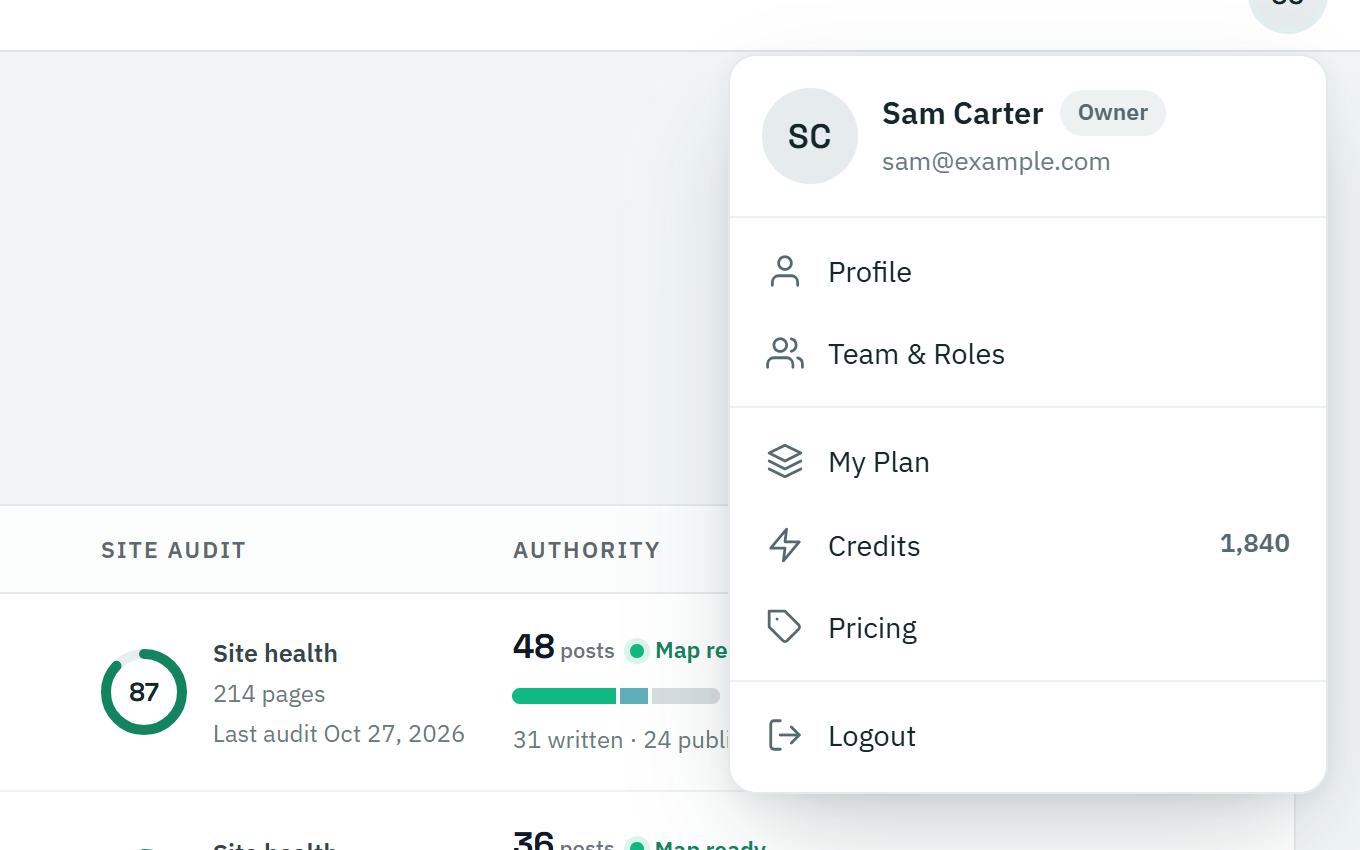
There are three menus to know: the sidebar on the left, the menu along the top of each project, and your account menu in the top-right corner.
The sidebar
Move your pointer to the left edge of the screen to open the sidebar, and click Pin Menu at the bottom to keep it open. On a phone, tap the menu icon in the top-left corner.
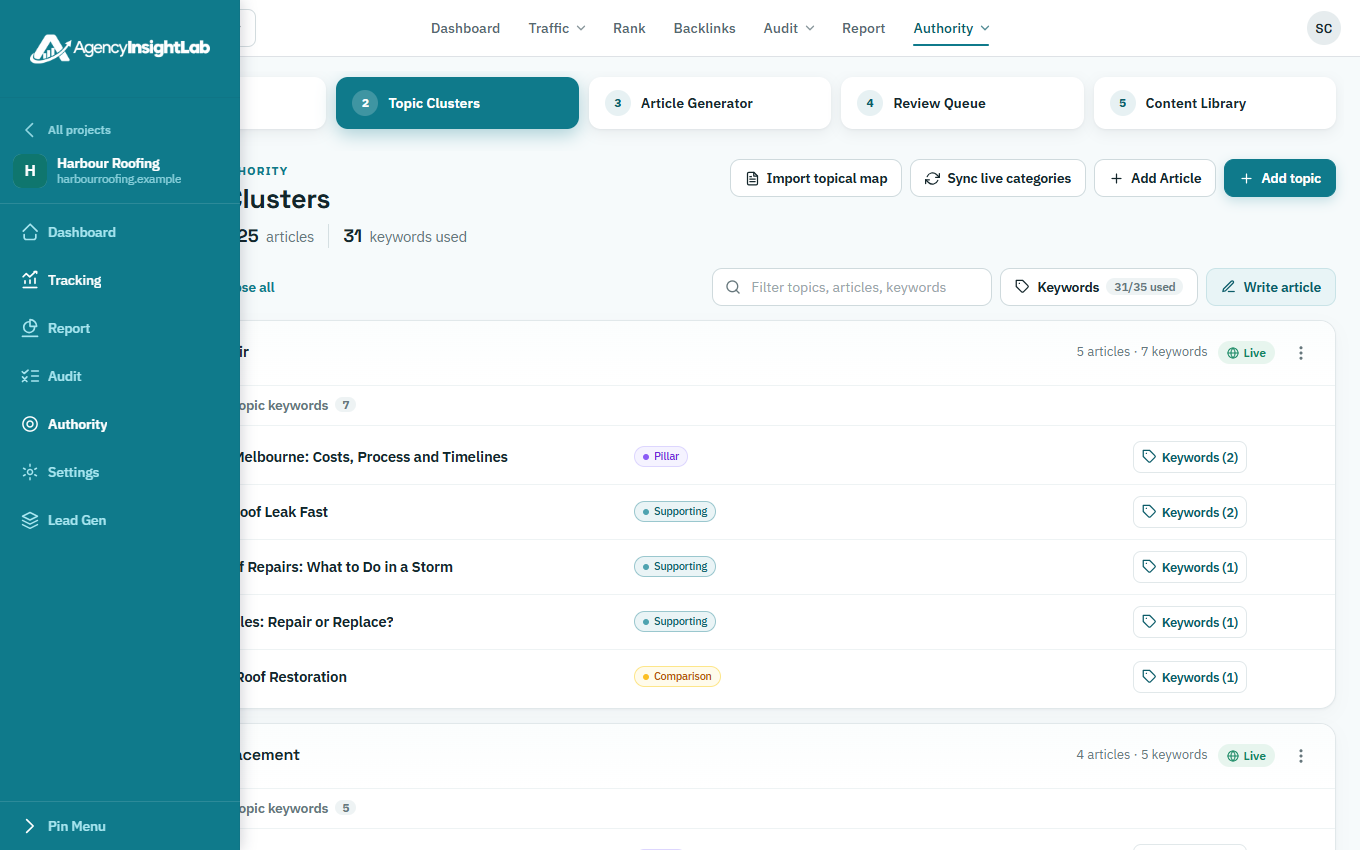
Inside a project, the sidebar lists everything for that client:
- Dashboard: the client at a glance.
- Tracking: traffic, sales, rankings, backlinks and goals.
- Report: the client’s reports.
- Audit: the technical site audit and the Search Console audit.
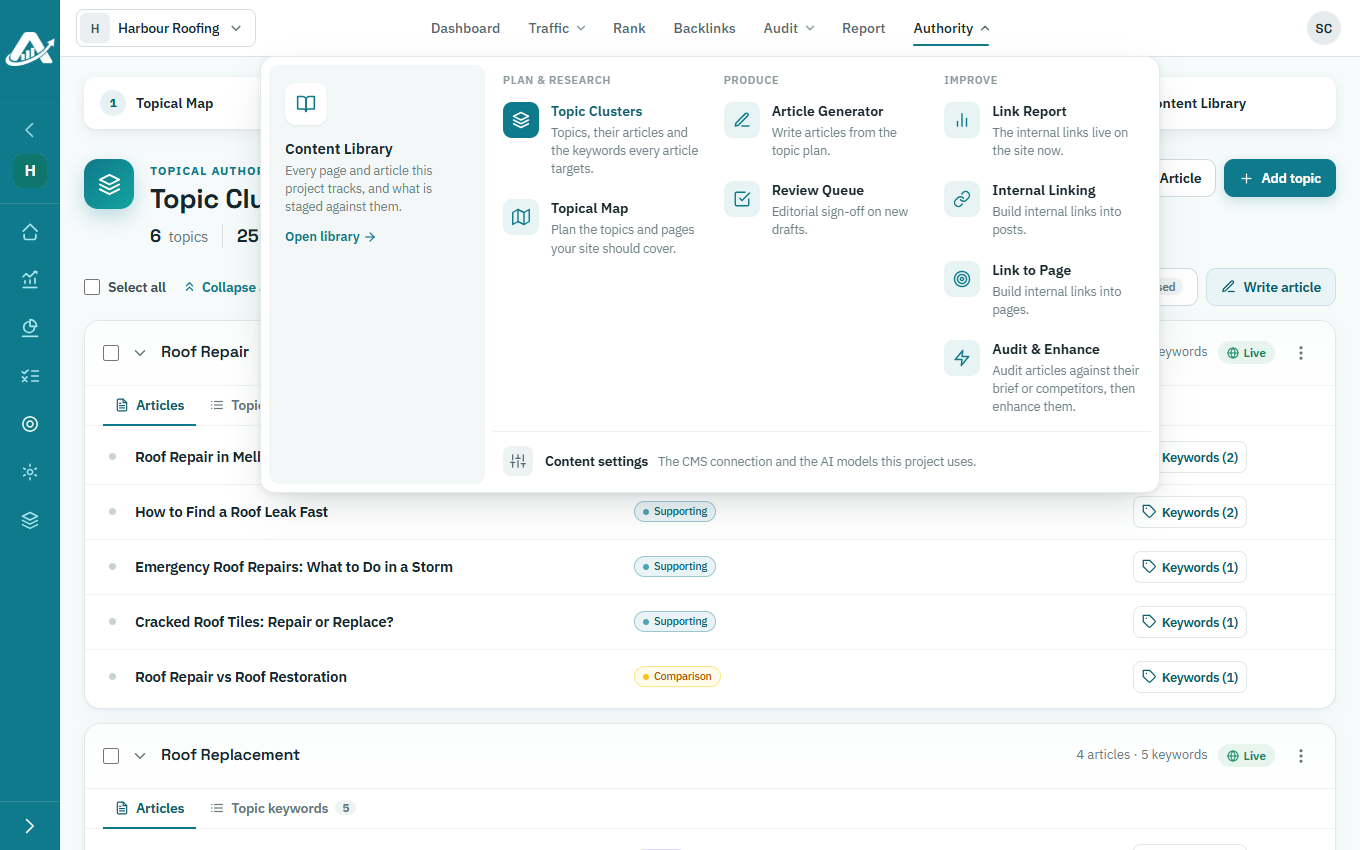
- Authority: the topical map, articles, internal links and the Content Library.
- Settings: the project’s details and connections.
A padlock next to an item means your plan doesn’t include it.
The project menu
The menu along the top of a project opens the same pages. To jump to another client, click the project’s name in the top-left corner.
Your account menu
Click your picture or initials in the top-right corner to open your profile and settings, your team, your plan and credits, or to log out.