
To start a free trial, all you need is an email address. You don’t need a credit card.
The trial lasts 14 days, counted from when you confirm your email address.
Steps
-
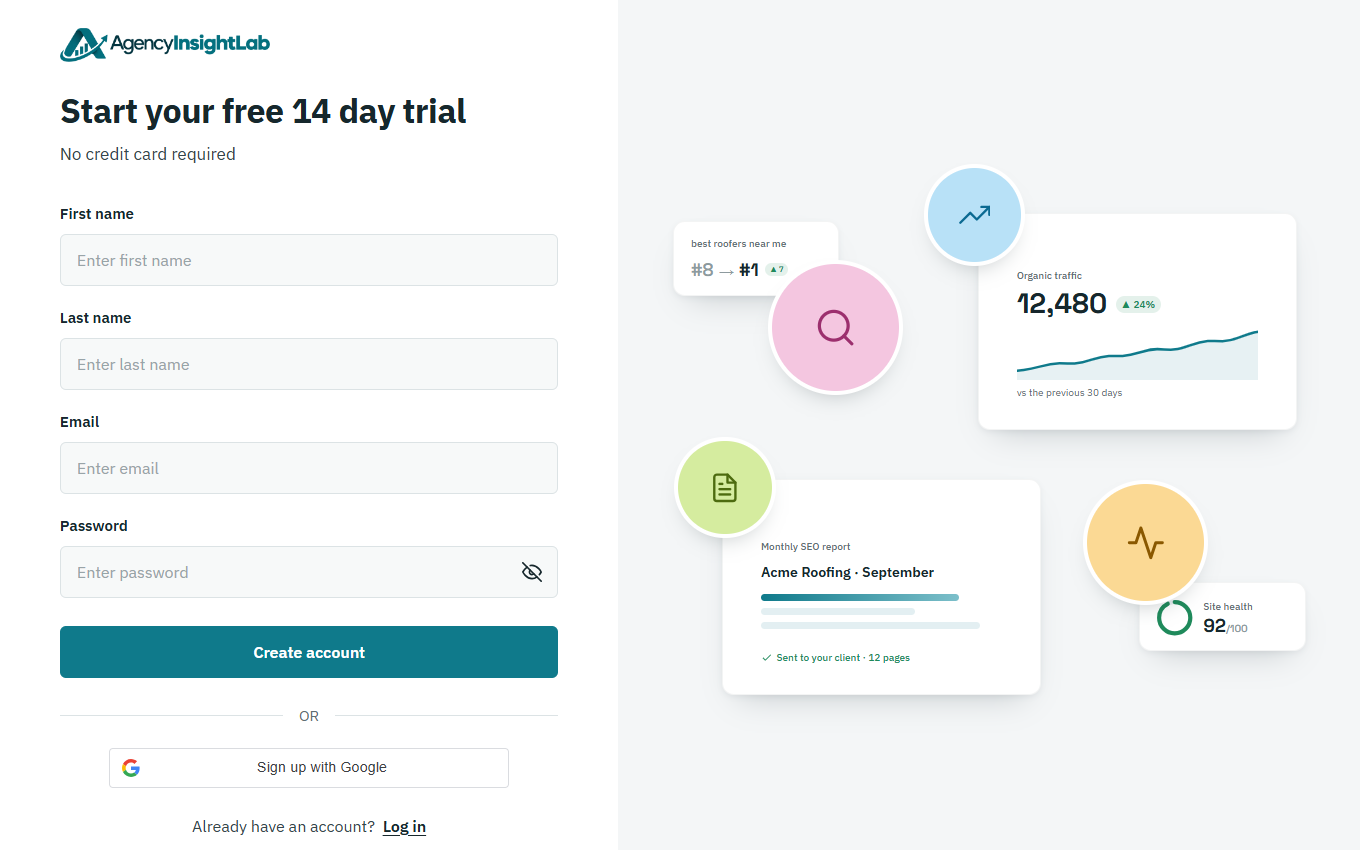
On the sign-up page, enter your name, your email address and a password of at least 8 characters. Then click Create account.
-
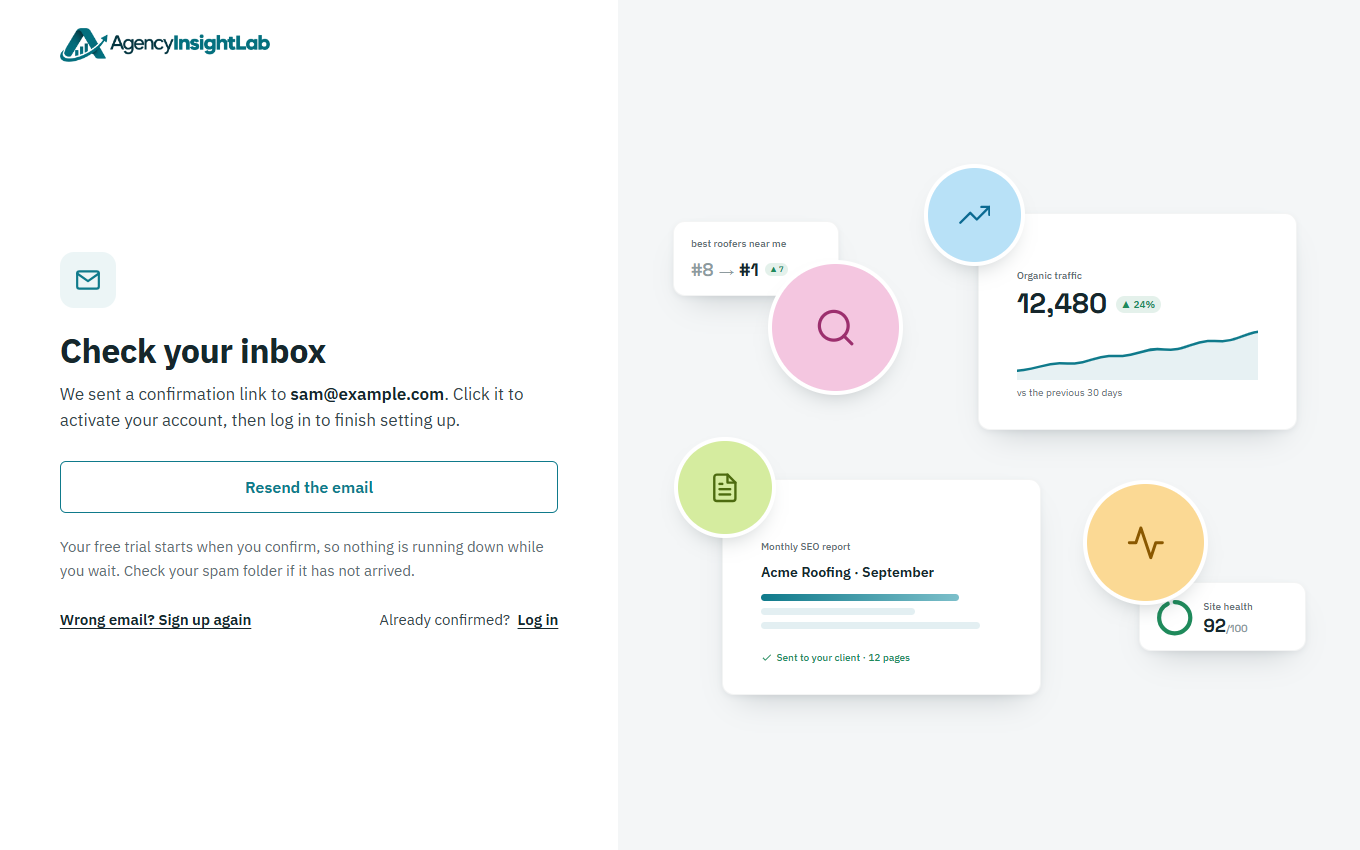
We’ll email you a link to confirm your address. Open the email and click the link.
-
Click Log in and continue, and log in with your email address and password.
Troubleshooting
- If the email hasn’t arrived, check your spam or junk folder. You can also click Resend the email on the page you saw after signing up.
- If you’re told an account already exists for your email address, log in instead. If you’ve forgotten your password, see How to reset a forgotten AgencyInsightLab password.