
The Backlinks page lists the links you’ve built for a client and whether they’re still live.
Steps
-
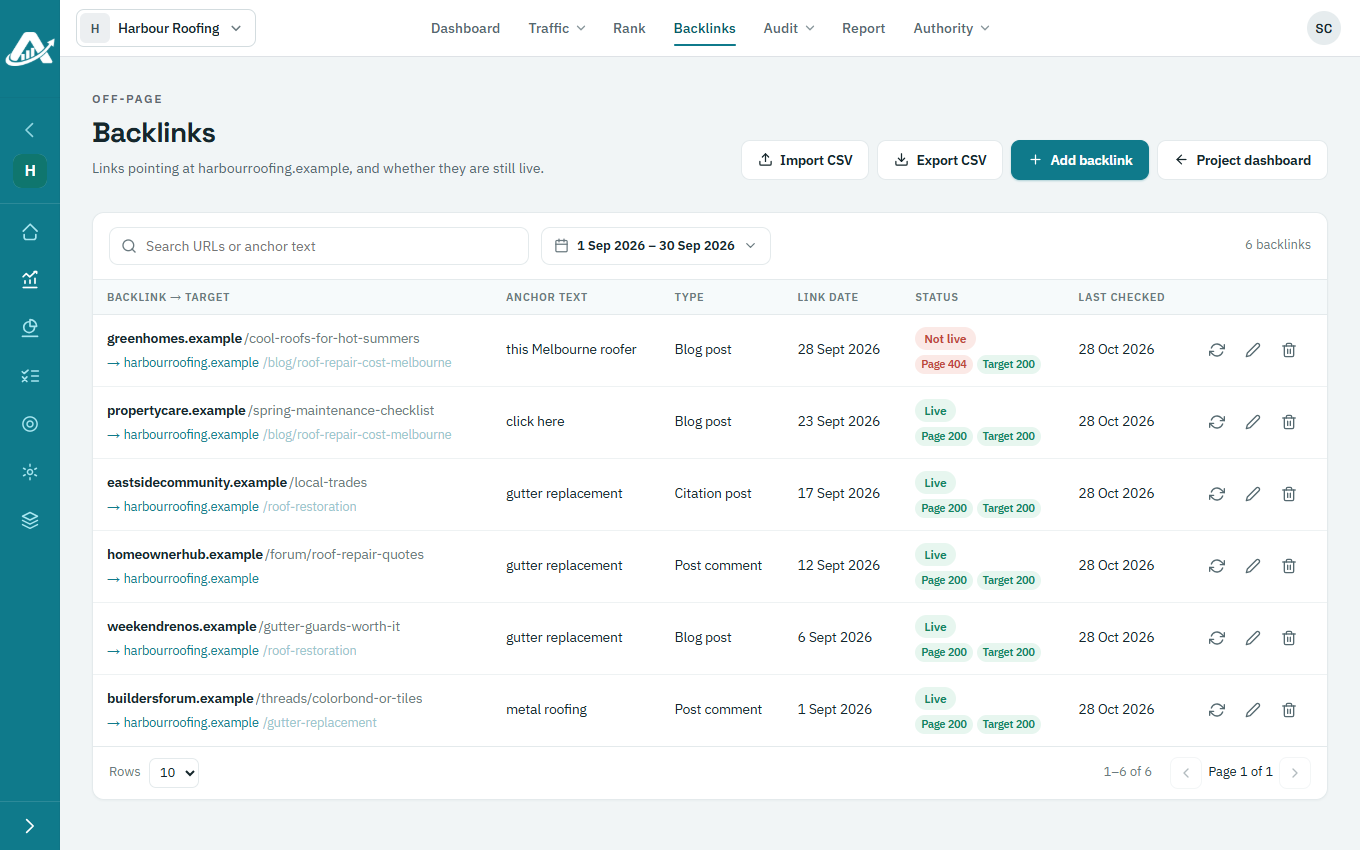
Open the client’s project and click Backlinks in the top menu. Each link shows its anchor text, type, whether it’s live and when it was last checked.
-
To find a link, search by its address or anchor text, or change the link dates at the top.
-
To check a link straight away, click Check it now on its row.
-
To download the list, click Export CSV.