
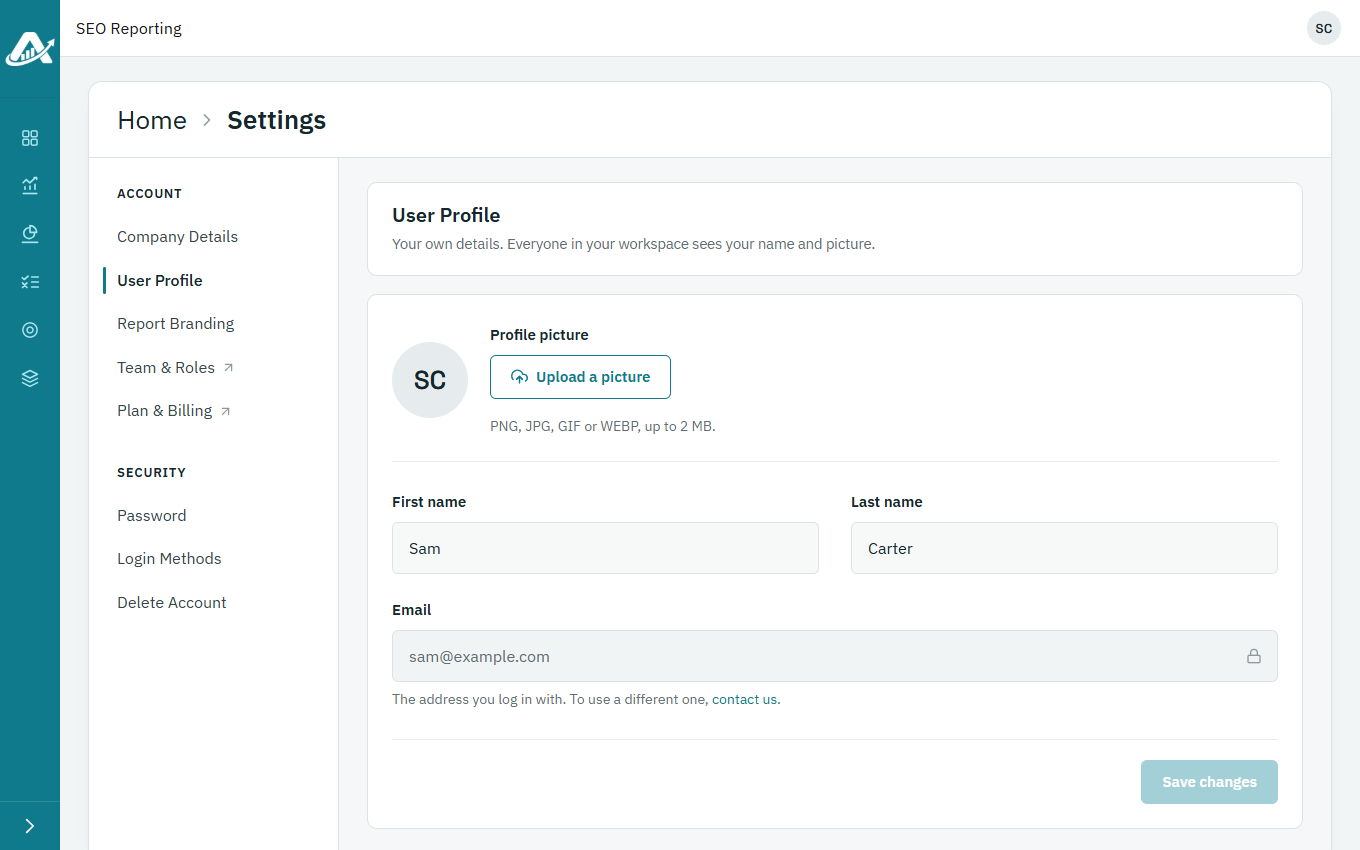
Everyone in your workspace sees your name and picture. You can change both in Settings. Your email address can’t be changed there; if you need to change it, contact us.
Steps
-
Click your picture or initials in the top-right corner, then Profile.
-
To change your picture, click Upload a picture or Choose a new picture, and pick an image of up to 2 MB.
-
Change your name if you need to, then click Save changes.