
Use AI to improve many articles at once. You check every result before anything is published. These tools use credits.
Steps
-
Open the client’s project, go to Authority › Content Library, tick the articles and click Bulk Actions.
-
Choose a tool:
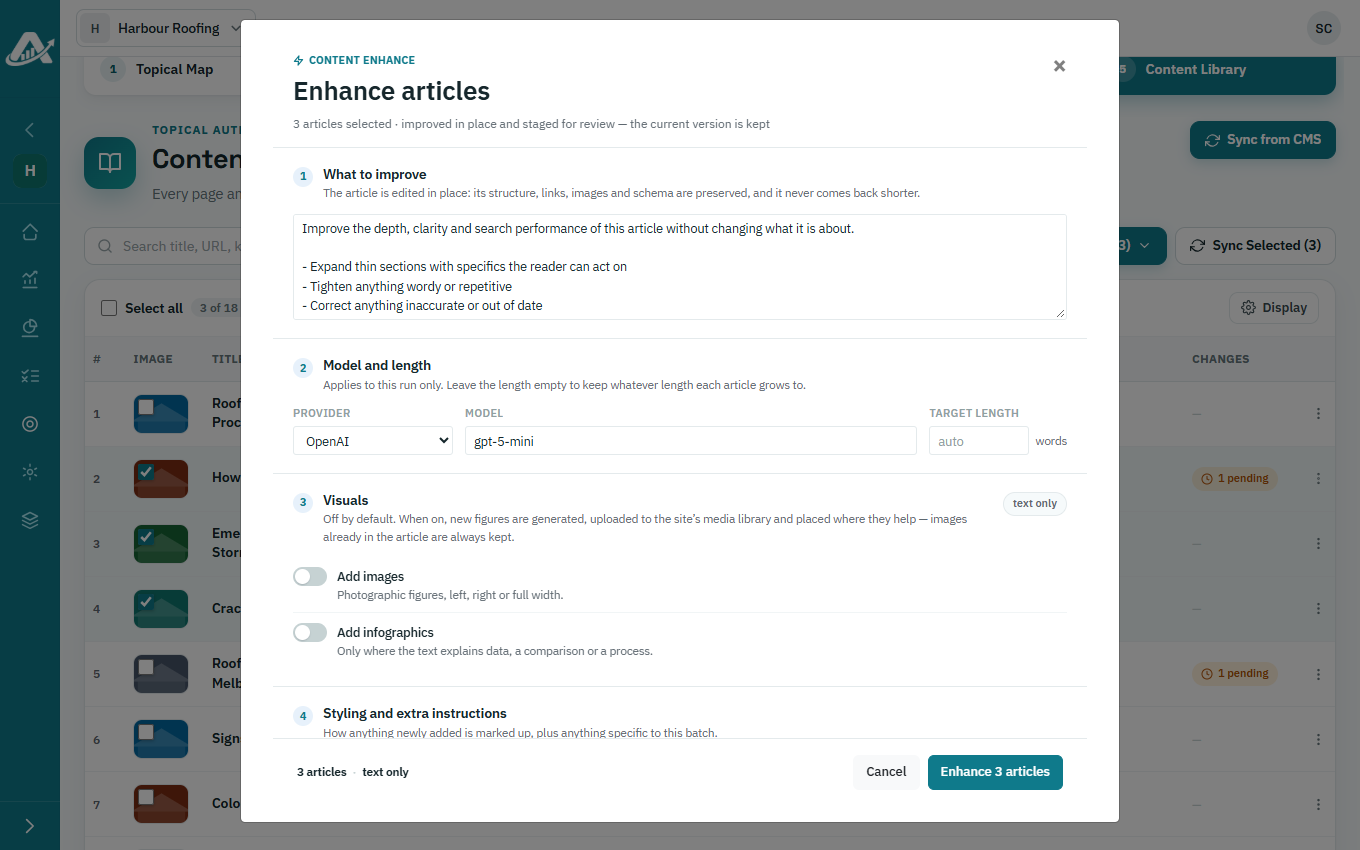
- Enhance Content improves the writing and fills out thin sections, without making articles shorter. Describe what you’d like improved.
- Regenerate Content rewrites the articles completely.
- Generate Feature Image makes a new feature image for each article.
- Image Optimization makes feature images smaller, so pages load faster.
-
Choose your settings and start. Progress shows at the top of the page.
-
When it’s done, click pending in an article’s Changes column to check the result, then publish it or discard it.