
Give every article the keywords it should rank for. The AI writes the article around them, and they become the link text when other articles link to it.
Steps
-
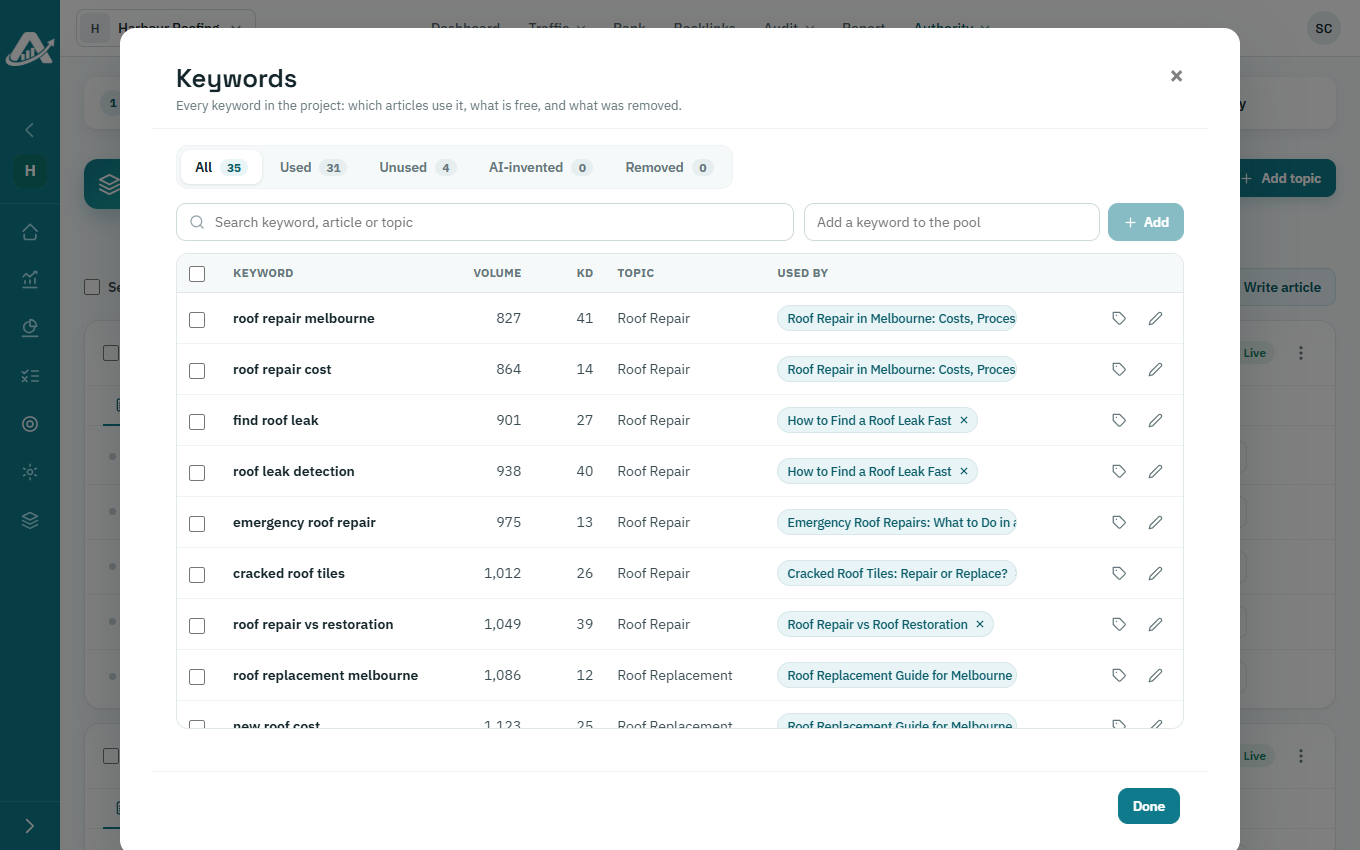
Open the client’s project, go to Authority › Topic Clusters and click Keywords.
-
Find the keyword in the list. To add a new one, type it in the box at the top and click Add.
-
Click the tag button next to the keyword, choose the article and click Assign.
-
To take a keyword off an article, click the × next to the article’s name.