
Save time on client reporting
Monthly client reports without the monthly rebuild
Design each client’s report once. It saves as you go, emails itself as a PDF every month, and keeps a record of everything it sent.
No card needed for the trial.
The usual problem
The monthly report is rebuilt every month
Screenshots and copy-paste
Figures are moved by hand from several tools into a document.
Every client different
Each report is formatted from scratch, so nothing carries over.
No record of what went out
Nobody is sure which version the client received.
How AgencyInsightLab handles it
Start from a template
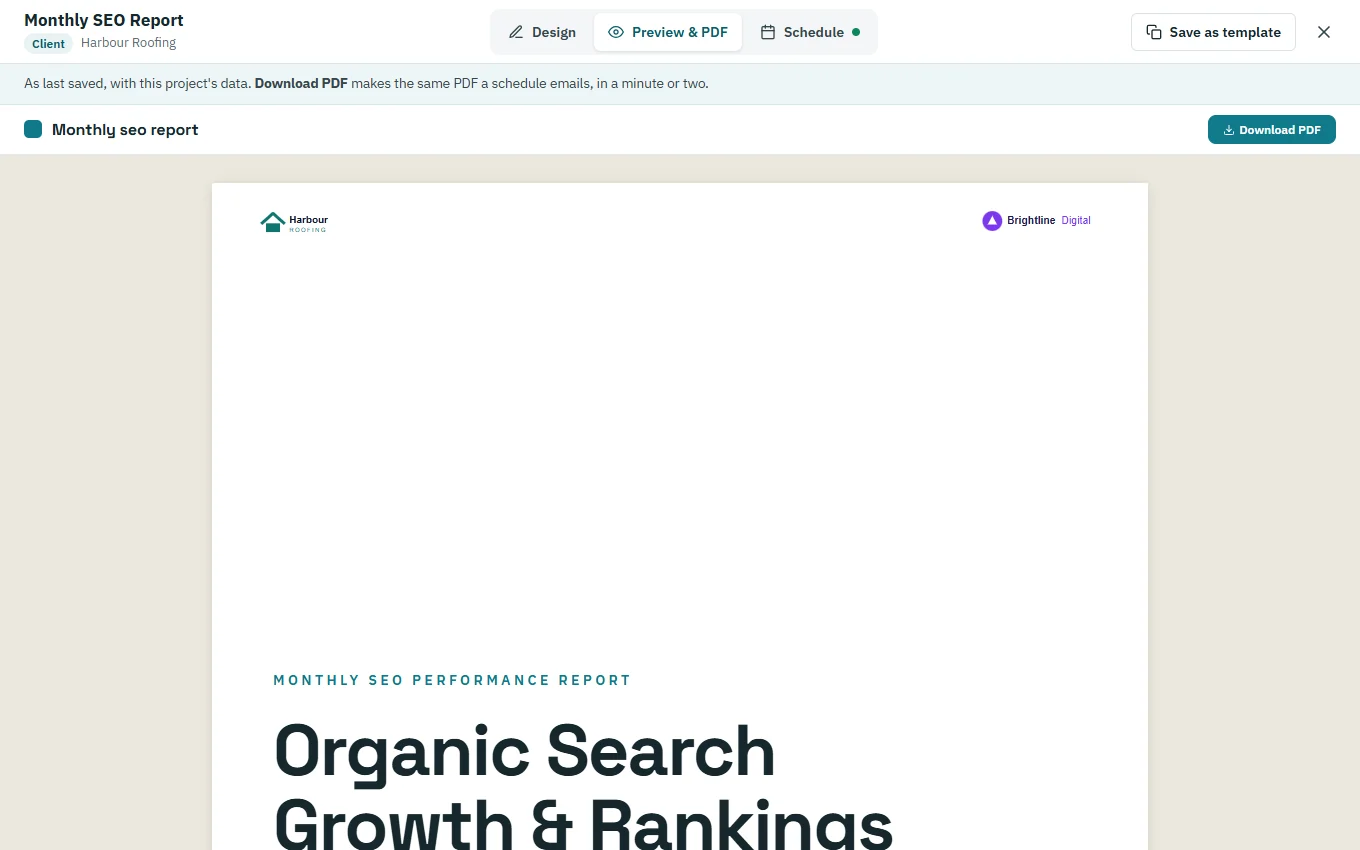
Pick a default or workspace template, previewed as the PDF it will produce.
Adjust per client
Edit any widget’s metrics, dates and look for this report alone; changes save automatically.
Schedule it
Email the PDF monthly on the day and time you choose, to the client’s recipients.
Keep the record
Sent Reports lists every email with its PDF, recipient, month and status.

A good first week
A recommended setup
01
Upload your logo
Add it once under Report Branding.
02
Pick a template
Start one client’s report from a template.
03
Adjust the widgets
Set the metrics and dates that matter to this client.
04
Schedule it
Choose the day, time and recipients.
Features to start with
Client reports
The report builder.
GA4 dashboards
The data behind GA4 widgets.
How to structure a monthly SEO report
A practical outline.
Questions about automated reporting
Can I reuse one design for many clients?
Yes. Save a report as a workspace template and start other clients’ reports from it.
Can I send the report to more than one person?
Yes, up to the recipients per schedule your plan allows.
What if a schedule fails?
Sent Reports shows each report’s status, so you can see one that wasn’t sent.
Can I still download a report by hand?
Yes. Download the PDF from Preview & PDF whenever you need it.
Try it with one client first
Add a client’s website, run a technical audit and plan their topics. The trial includes every feature.
No card needed for the trial.