
If you have a list of the links you built for a client, import them all at once instead of adding them one by one.
Steps
-
Open the client’s project, click Backlinks in the top menu, then click Import CSV.
-
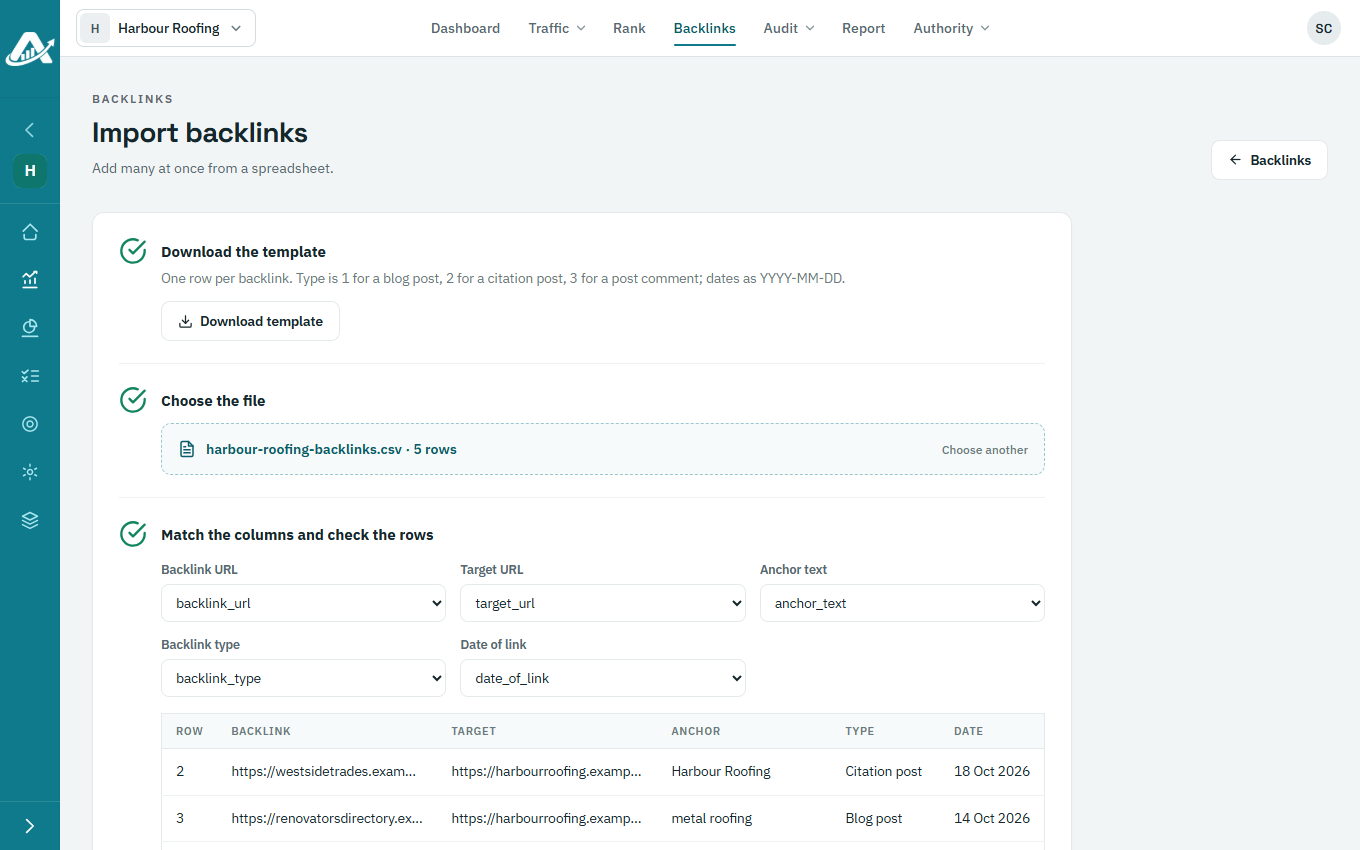
Click Download template and fill it in: one row per backlink, with the page the link is on, the client’s page it points to, the anchor text, the type (1 for a blog post, 2 for a citation, 3 for a post comment) and the date of the link (as YYYY-MM-DD).
-
Click Choose a .csv file and pick your file. Check that each column is matched to the right field, and look over the rows.
-
Click Import.
Troubleshooting
- If a row is refused, nothing is imported. The message says which row and why: fix it in the file and import again.