
You can change what someone can do by giving them a different role, or remove them from your workspace. By default, only the workspace owner and admins can do this. Anything a person worked on stays with your workspace after they leave.
Steps
-
Click your picture or initials in the top-right corner, then Team & Roles.
-
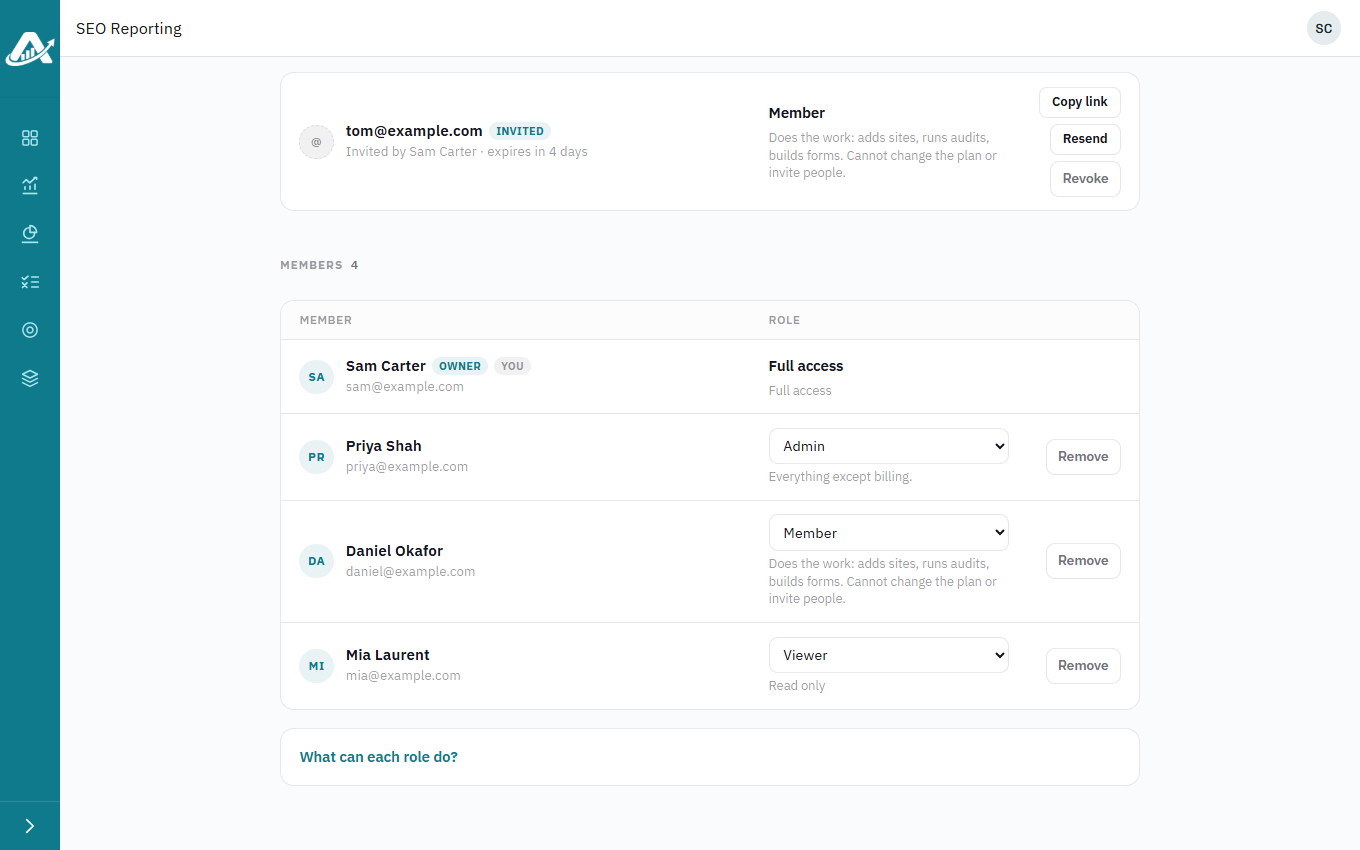
To change someone’s role, pick a new one from the menu next to their name. It saves straight away.
-
To remove someone, click Remove next to their name and confirm. They lose access straight away.