
Technical SEO audit
A technical SEO audit that explains every fix
Crawl a client’s site for problems with titles, descriptions, headings, links, redirects, indexability, social tags and images. Each issue explains itself, and a comparison shows what your fixes changed.
No card needed for the trial.
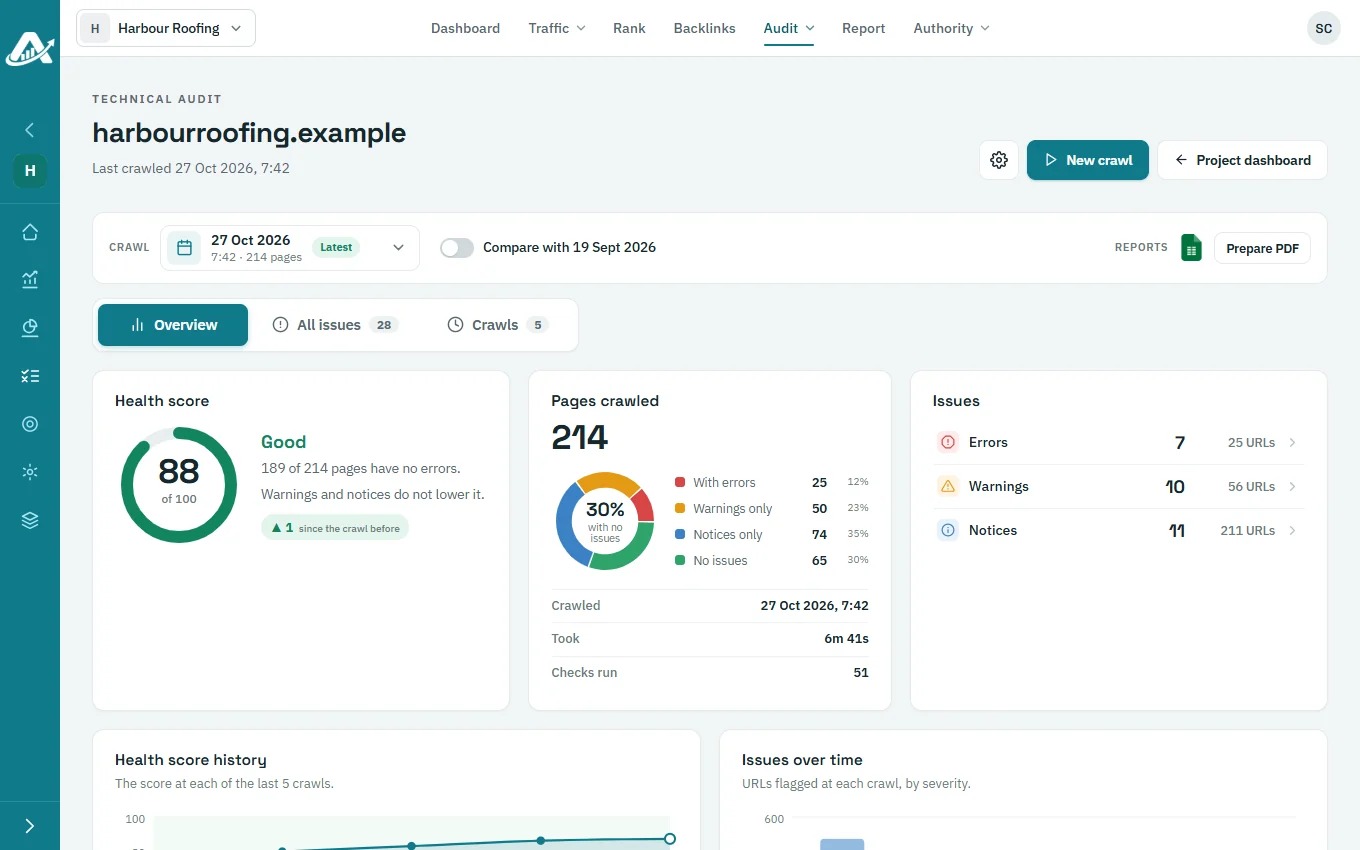
At a glance
A health score
See the site’s health and its history, with issues grouped by category and severity.
Fixes, not just findings
Every issue says what it is, why it matters, how to fix it and which URLs it affects.
Proof it worked
Compare a crawl with the one before: new, still there or fixed.
What you can do
Tune the crawl
Set the start URL, maximum pages, depth, duration, parallel requests, delay and whether to obey robots.txt.
Read the report
Use the Overview, All issues and issue detail views, filtered by category, severity and name.
Compare crawls
Open the Crawls tab and compare with the crawl before; download the comparison as Excel.
Export and brand
Download the crawl as Excel, prepare a PDF that includes a page-speed check, and add the client’s logo.

Each client includes a number of audits a month; extra crawls are paid in credits by crawl size. The pricing page shows both.
Related
Search Console audit
Indexing and Core Web Vitals.
Win new clients
Open a pitch with an audit.
What is indexability?
The idea, explained.
Questions about the technical SEO audit
Does a warning lower the health score?
No. Warnings and notices are listed, but they don’t lower the health score.
Can I crawl slowly to protect a client’s server?
Yes. Lower the parallel requests and add a delay between requests in the crawl settings.
Who can start a crawl?
Owners, Admins and Members.
Can I delete an old crawl?
Yes, from the Crawls tab.
Try it with one client first
Add a client’s website, run a technical audit and plan their topics. The trial includes every feature.
No card needed for the trial.