
Win new clients with an audit
Open every pitch with an audit
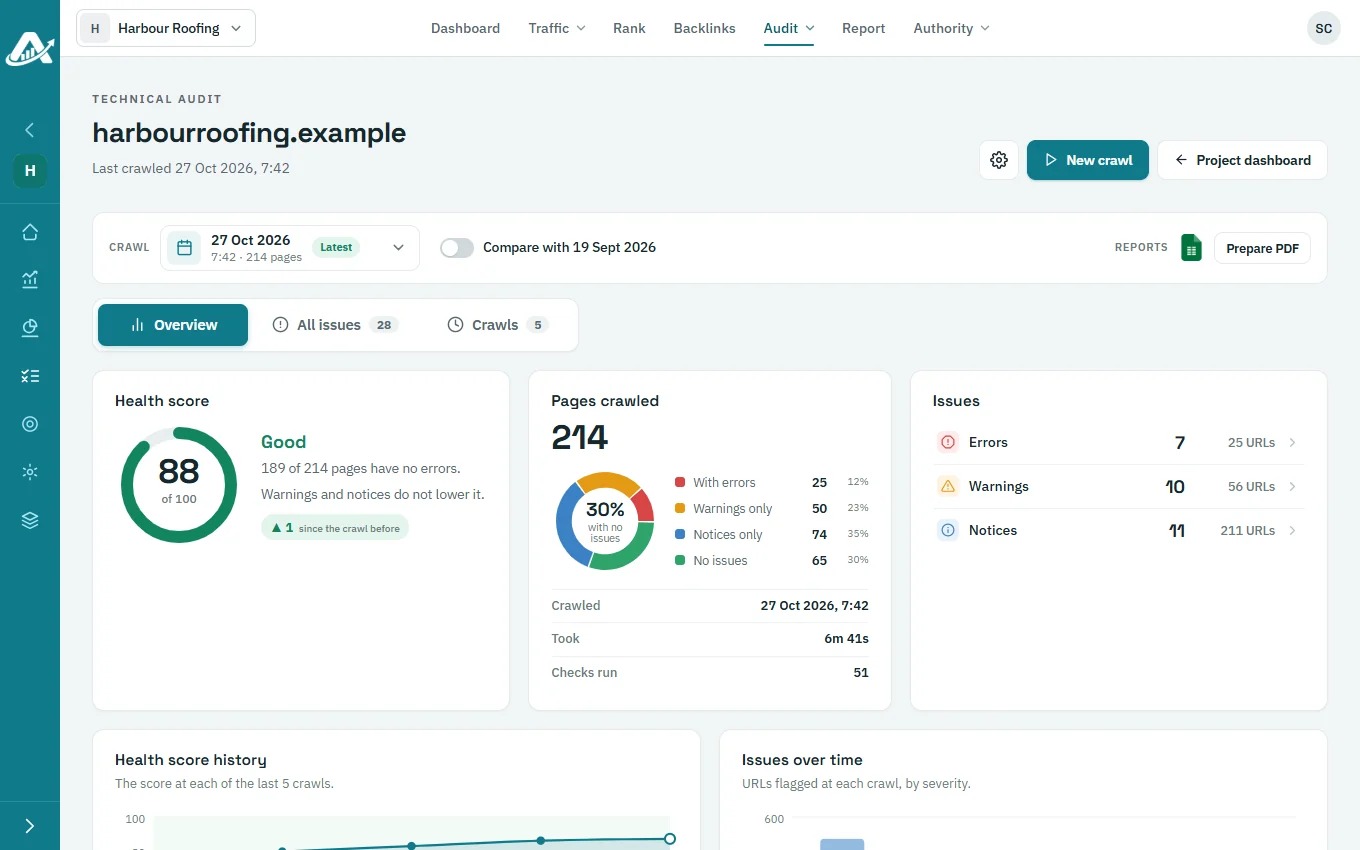
Before the first call, crawl the prospect’s site and prepare a PDF audit with their logo on it. The conversation starts from what is actually wrong, not from a sales deck.
No card needed for the trial.
The usual problem
Pitches that start from a sales deck
Generic proposals
Every prospect hears the same promises.
No evidence
There is nothing about their own site to discuss.
Slow preparation
Building a custom audit by hand takes too long for every lead.
How AgencyInsightLab handles it
Crawl the prospect’s site
Add the site as a project and run a technical crawl.
Lead with the fixes
Each issue explains why it matters and how to fix it, in words a prospect understands.
Brand the PDF
Add the prospect’s logo and prepare the PDF audit, which includes a page-speed check.
Show the follow-up
Once they sign, compare the next crawl with the first to show what changed.

A good first week
A recommended setup
01
Add the prospect
Add their site as a project.
02
Run the crawl
Start a technical audit.
03
Prepare the PDF
Add their logo and download the audit.
04
Book the call
Walk through the top three fixes together.
Features to start with
Technical SEO audit
The crawler and its report.
Search Console audit
Once you have access.
Technical SEO audit checklist
What to check first.
Questions about audits for new clients
Do I need the prospect’s logins?
Not for the technical crawl, which reads the public site. Search Console data needs access from the prospect.
Does a prospect count as a client on my plan?
Yes. Each project is a client on the plan, so remove prospects you don’t win.
Can I export the audit as a spreadsheet?
Yes. Download the crawl as Excel as well as the PDF.
Is the PDF branded with my agency?
The audit PDF carries the client logo you set for that domain.
Try it with one client first
Add a client’s website, run a technical audit and plan their topics. The trial includes every feature.
No card needed for the trial.