
For clients who don’t sell online, such as service businesses, the Non-Ecommerce dashboard focuses on visitors rather than sales. It uses the client’s Google Analytics 4.
Steps
-
Open the client’s project and go to Traffic › Non-Ecommerce.
-
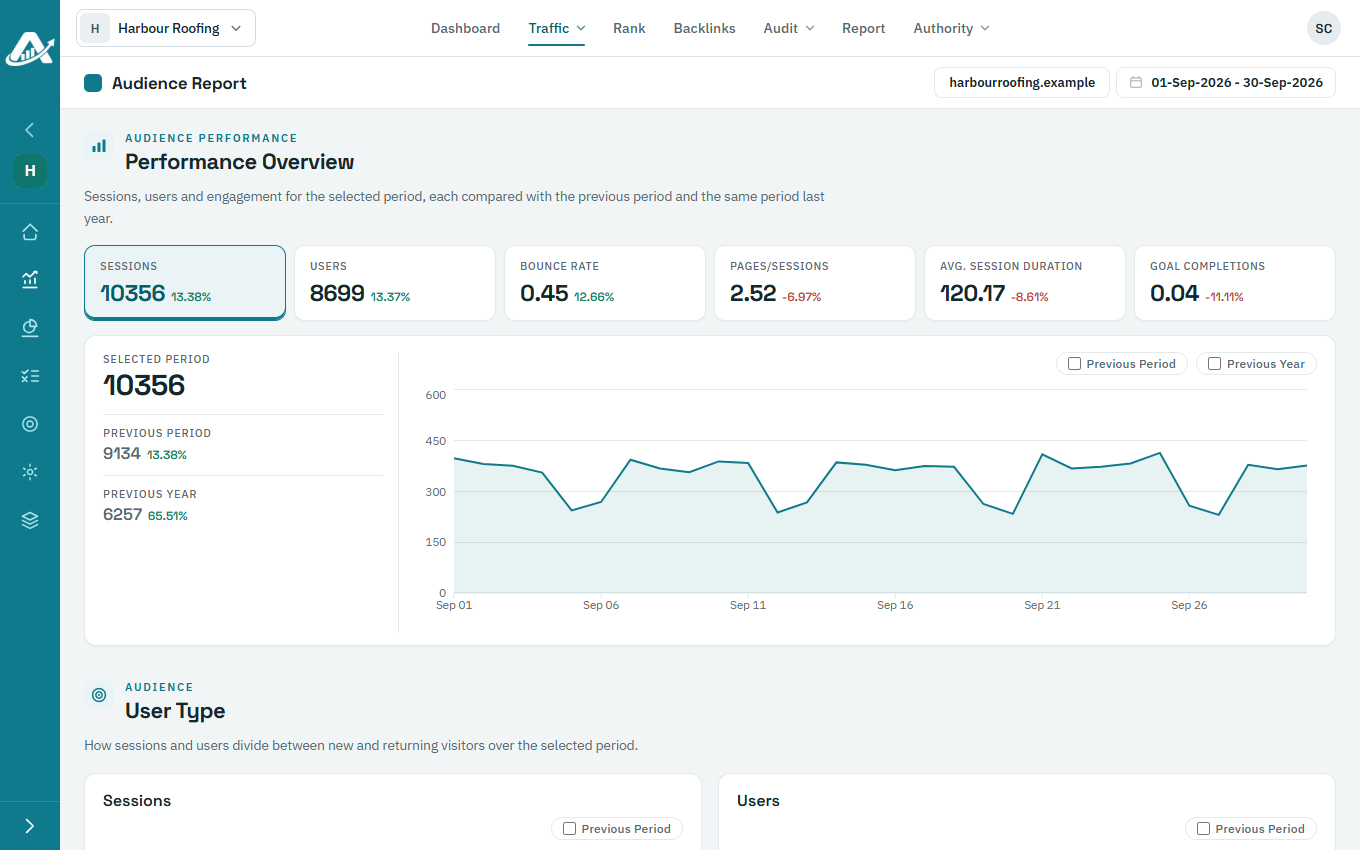
Performance Overview shows the main visitor figures for the dates you’ve chosen.
-
Scroll down for new and returning visitors (User Type), where visitors come from (Audience Analytics By Traffic Source) and the pages they land on (Top Landing Pages).