
Schema markup helps search engines understand a page. You can check it, edit it, or add it to articles that have none, many articles at a time.
Steps
-
Open the client’s project, go to Authority › Content Library, tick the articles, click Bulk Actions and choose Manage Schema.
-
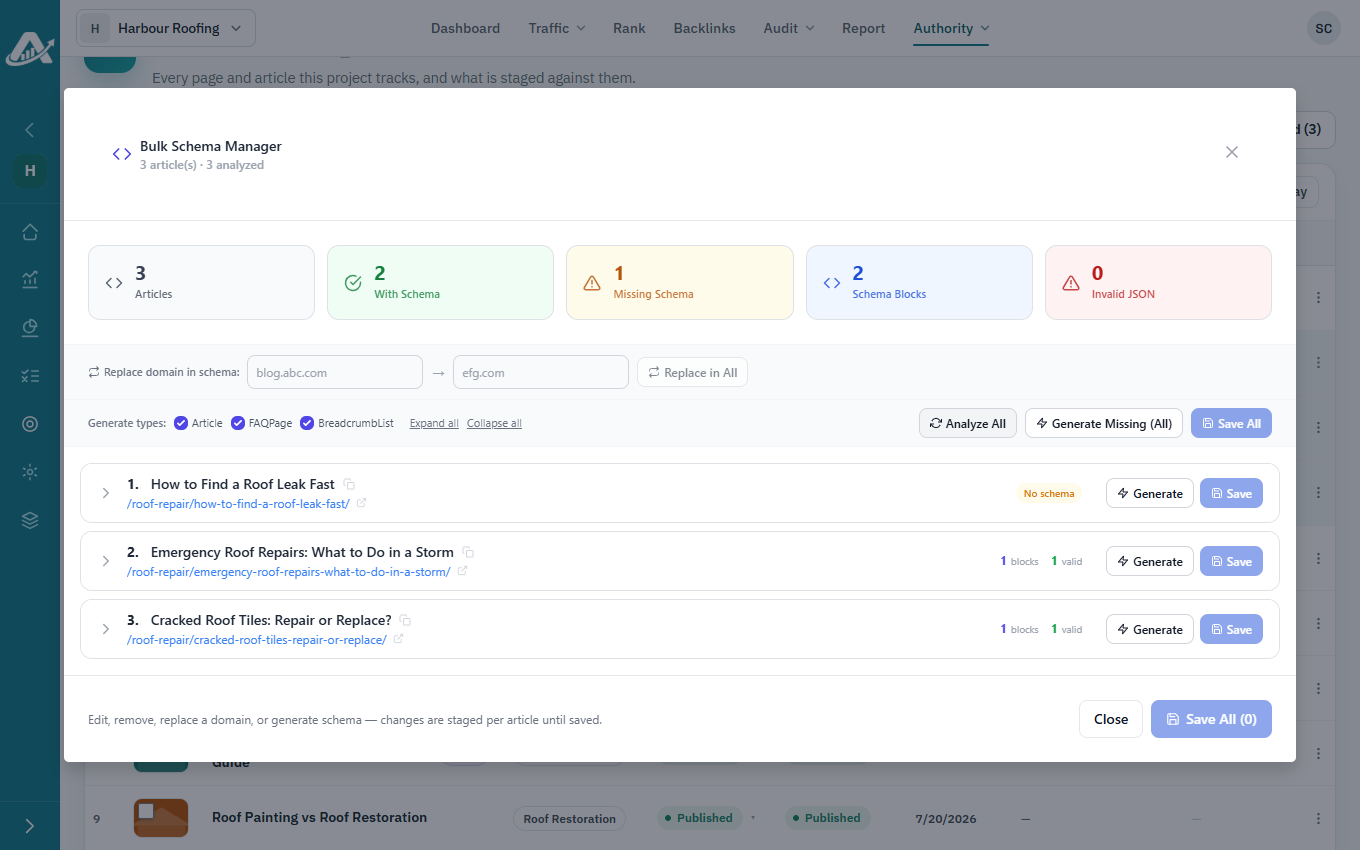
Click Analyze All to see which articles have schema and which don’t.
-
Make your changes:
- To add schema where it’s missing, tick the types you want, such as Article or FAQPage, and click Generate Missing.
- To edit or remove schema, open the article.
- If the site has moved to a new domain, enter the old and new domains and click Replace in All.
-
Click Save All, then Save. The changes reach the live site when you publish the articles.