
Give many posts the same category or the same author in one go. The change reaches the live site when you publish the posts.
Steps
-
Open the client’s project, go to Authority › Content Library, tick the posts and click Bulk Actions.
-
To set the category, choose Set Category, tick the categories you want and click Apply.
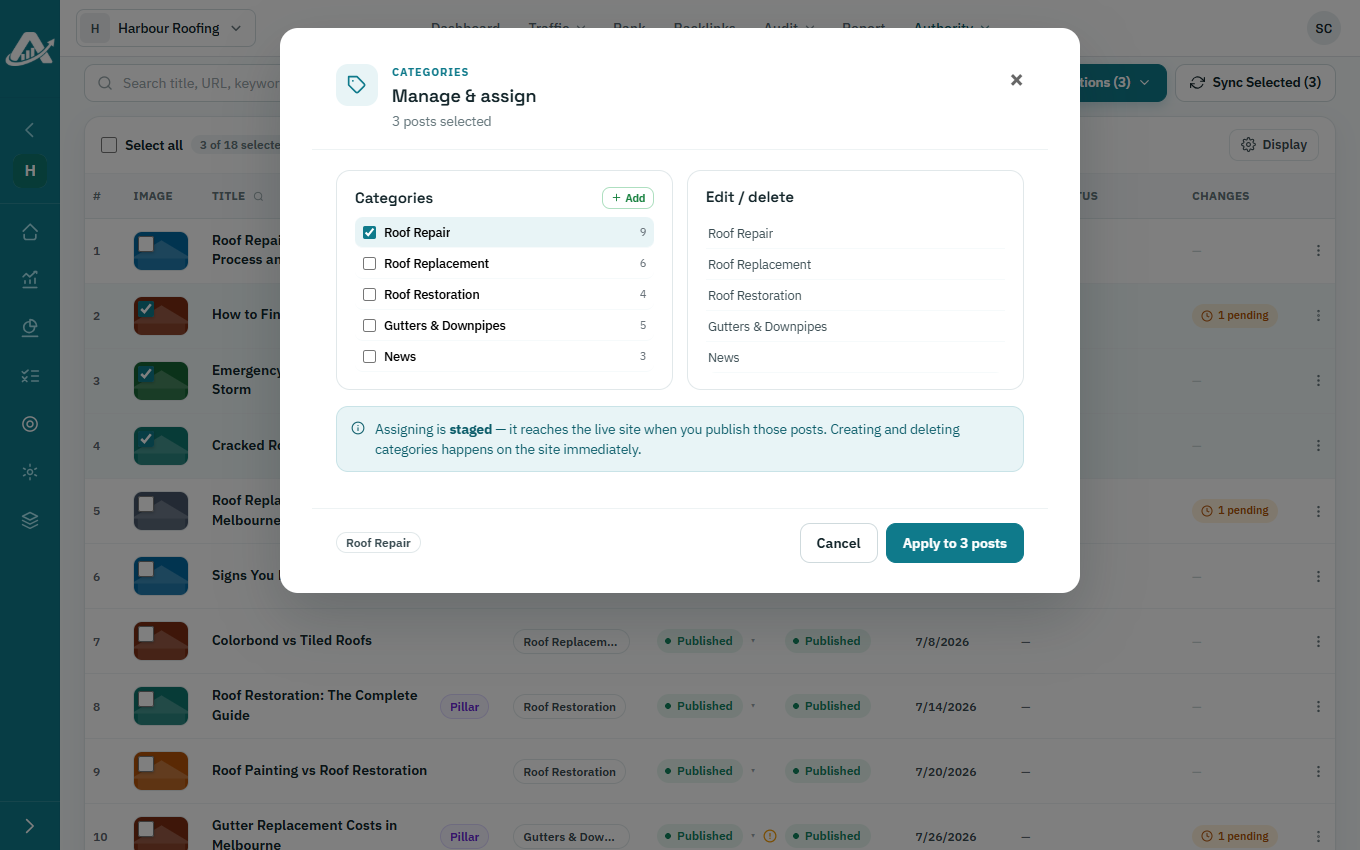
-
To set the author, choose Set Author, pick an author or type a new name, and click Apply.