
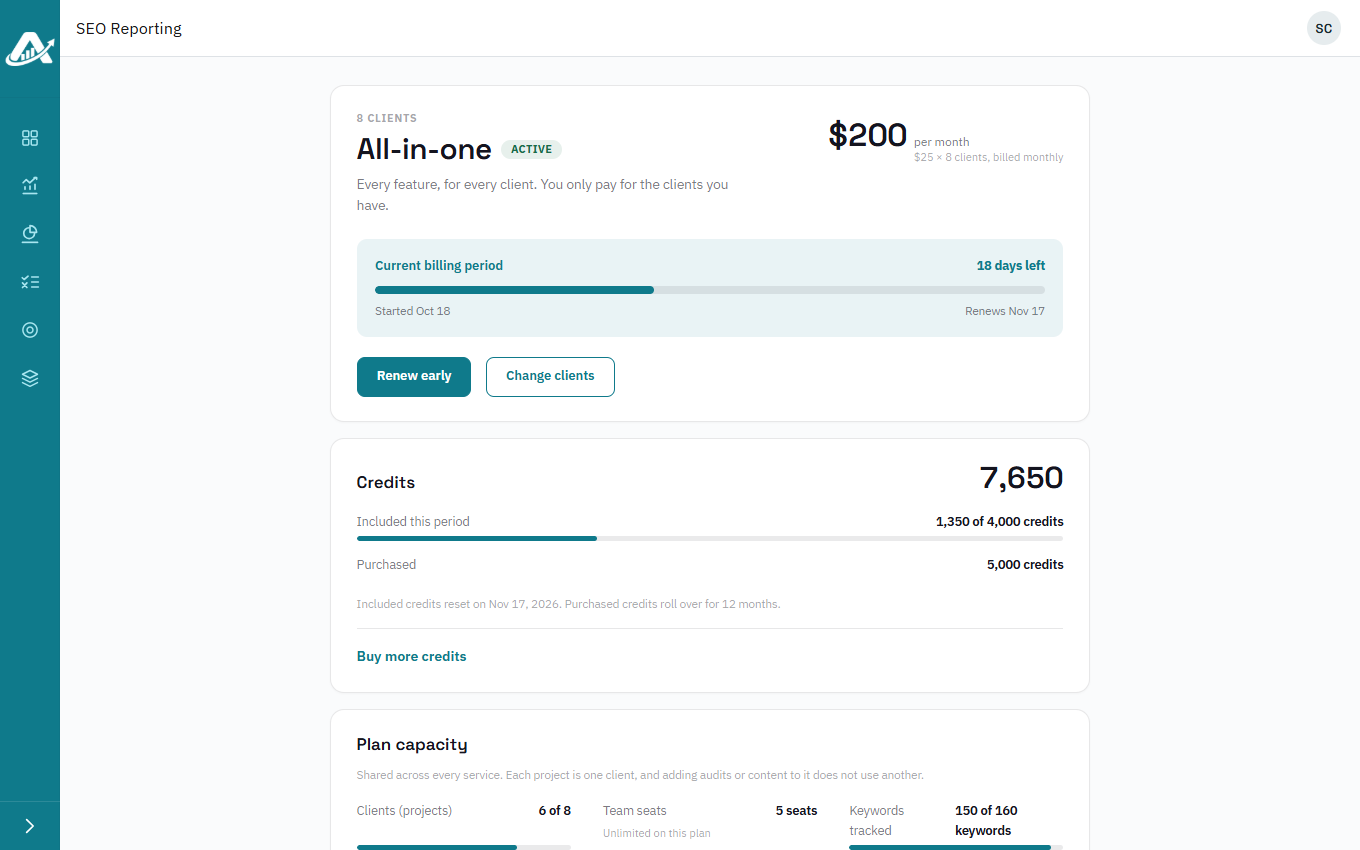
The My Plan page shows everything about your plan in one place. Anyone in the workspace can see it.
Steps
-
Click your picture or initials in the top-right corner, then My Plan.
-
The top of the page shows whether you’re on a free trial or a paid plan, and when it ends.
-
Plan capacity shows how much of each allowance you’re using across all your clients, and Your services what’s included.
-
Credits shows the credits included this period, the ones you’ve bought, and how many you’ve used.