
Manage a client’s reports from the reports list.
Steps
-
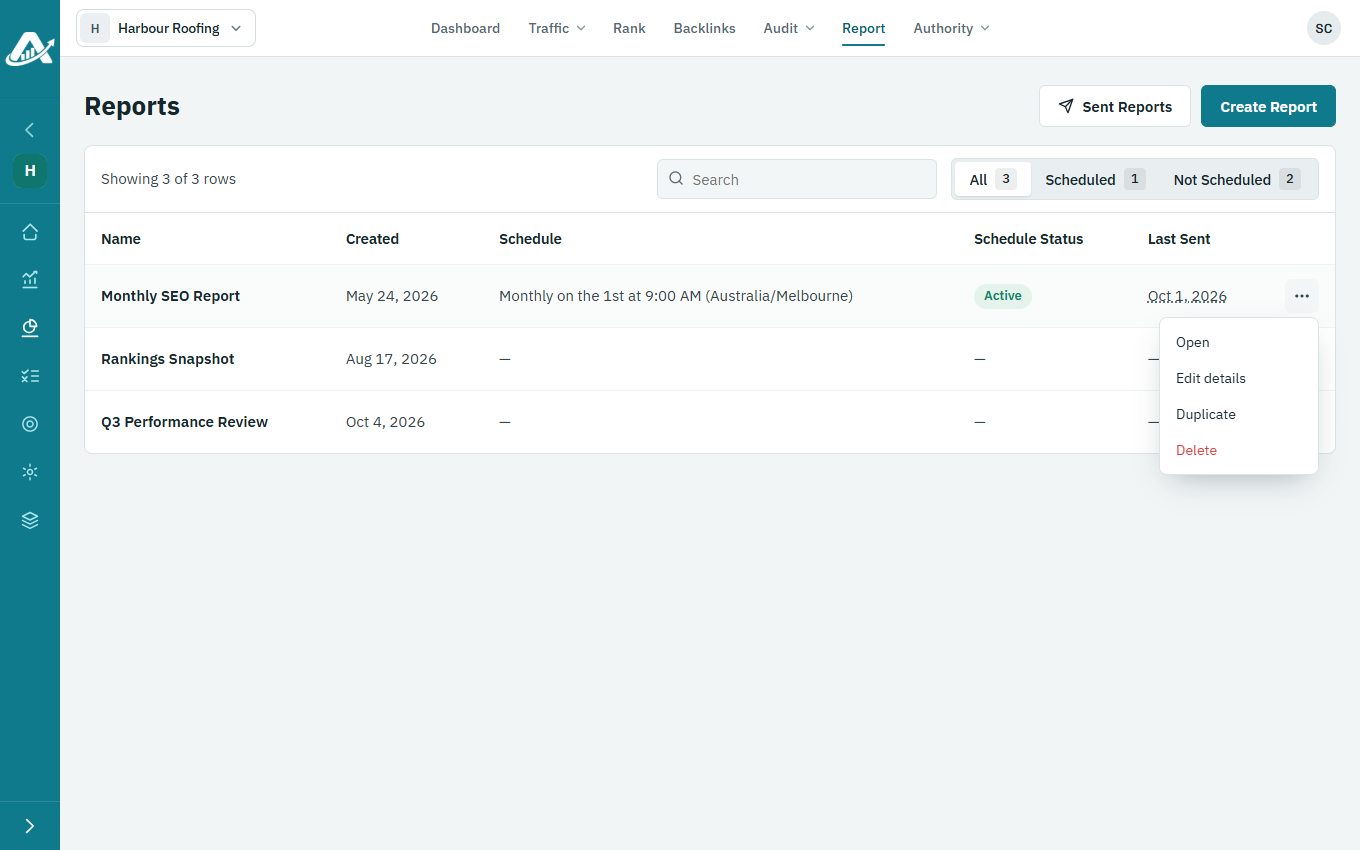
Open the client’s project and click Report in the top menu.
-
Click the three dots on the report’s row.
-
Choose what to do:
- Edit details to rename the report or change its description.
- Duplicate to make a copy you can change.
- Delete to remove it. Its email schedule stops too.