
You can change what a Google Analytics widget shows in one report. Other reports that use the same widget aren’t affected.
Steps
-
Open the report, go to the Design tab and click Edit widget on the widget.
-
Change what you need: the title, the metrics, what it’s Broken down by, the dates, the filters and sorting, how many rows it shows, or how it’s drawn (Show as).
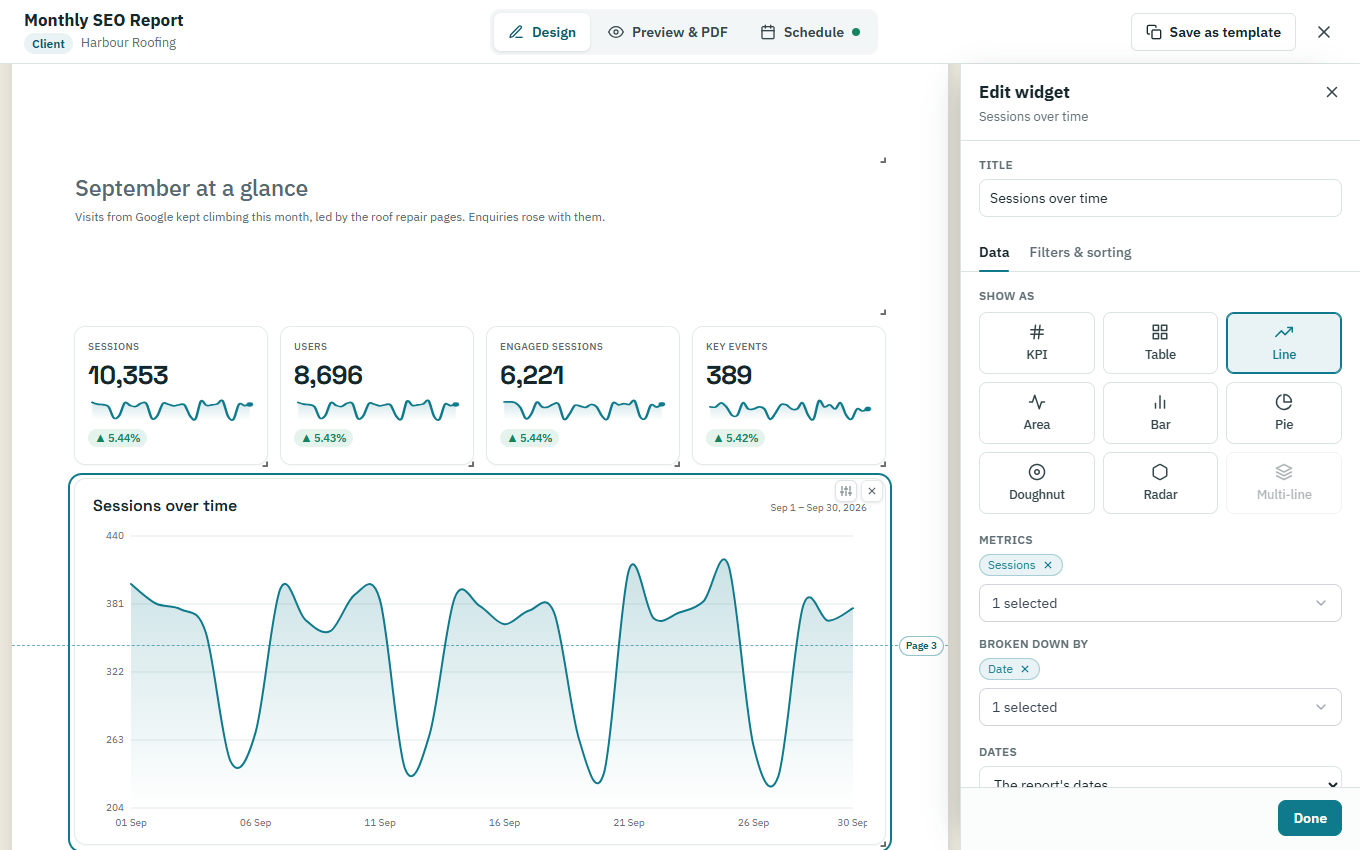
-
Click Done.
-
To undo your changes later, open Edit widget again and click Reset to library.