
Each finished crawl has a report. Start with the health score and the top issues, then work through the full list.
Steps
-
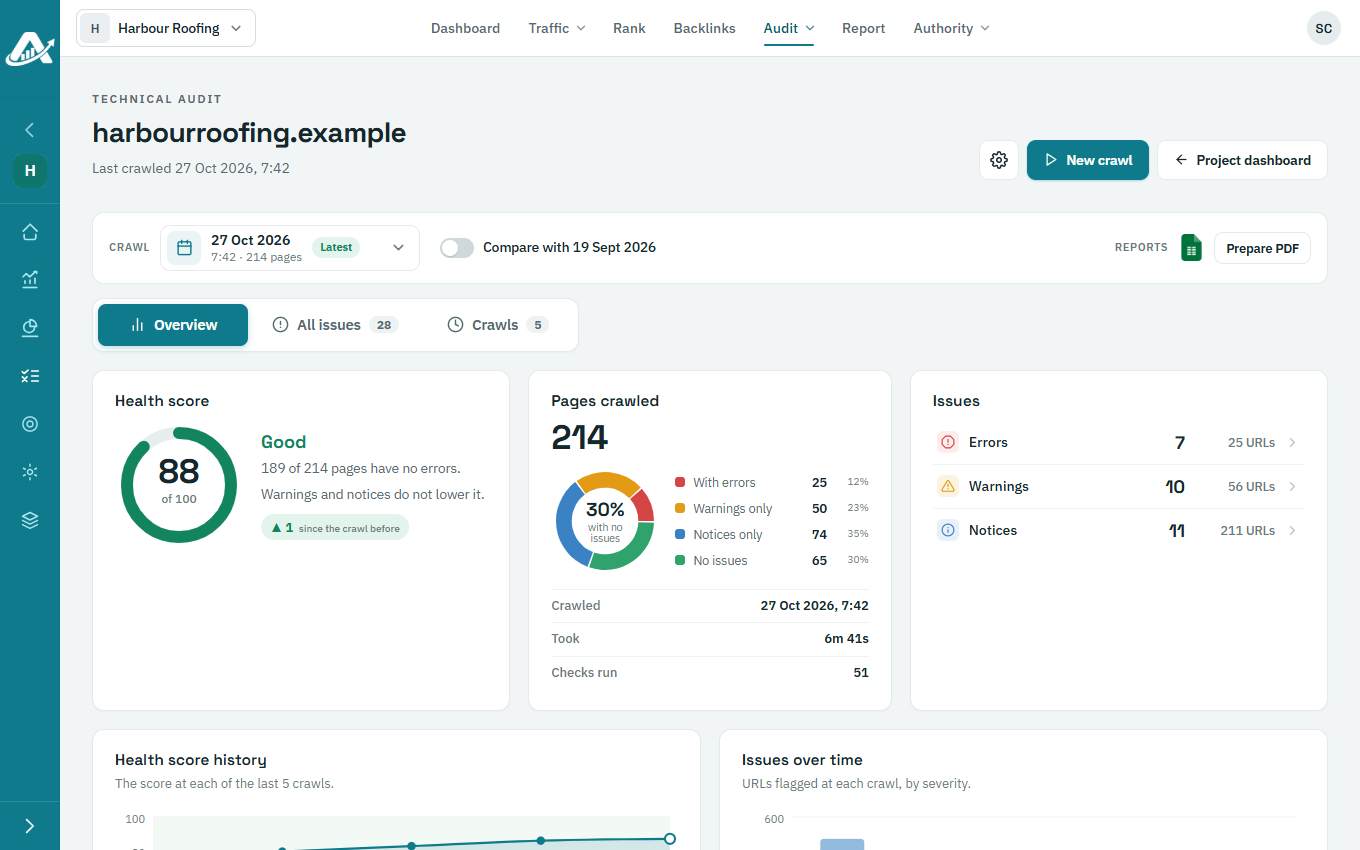
Open the client’s project, go to Audit › Technical audit and open the Overview tab.
-
The Health score is out of 100. Errors lower it; warnings and notices don’t, so fix errors first. Top issues shows the problems found on the most pages.
-
Open All issues to see everything the crawl found. Filter by category, severity or name.
-
Click an issue to see What it is, Why it matters, How to fix and the pages it affects.