
Crawl settings decide how much of the site an audit reads and how hard it works the site’s server. Changes apply from the next crawl.
Steps
-
Open the client’s project, go to Audit › Technical audit, click the settings button at the top and open Crawl settings.
-
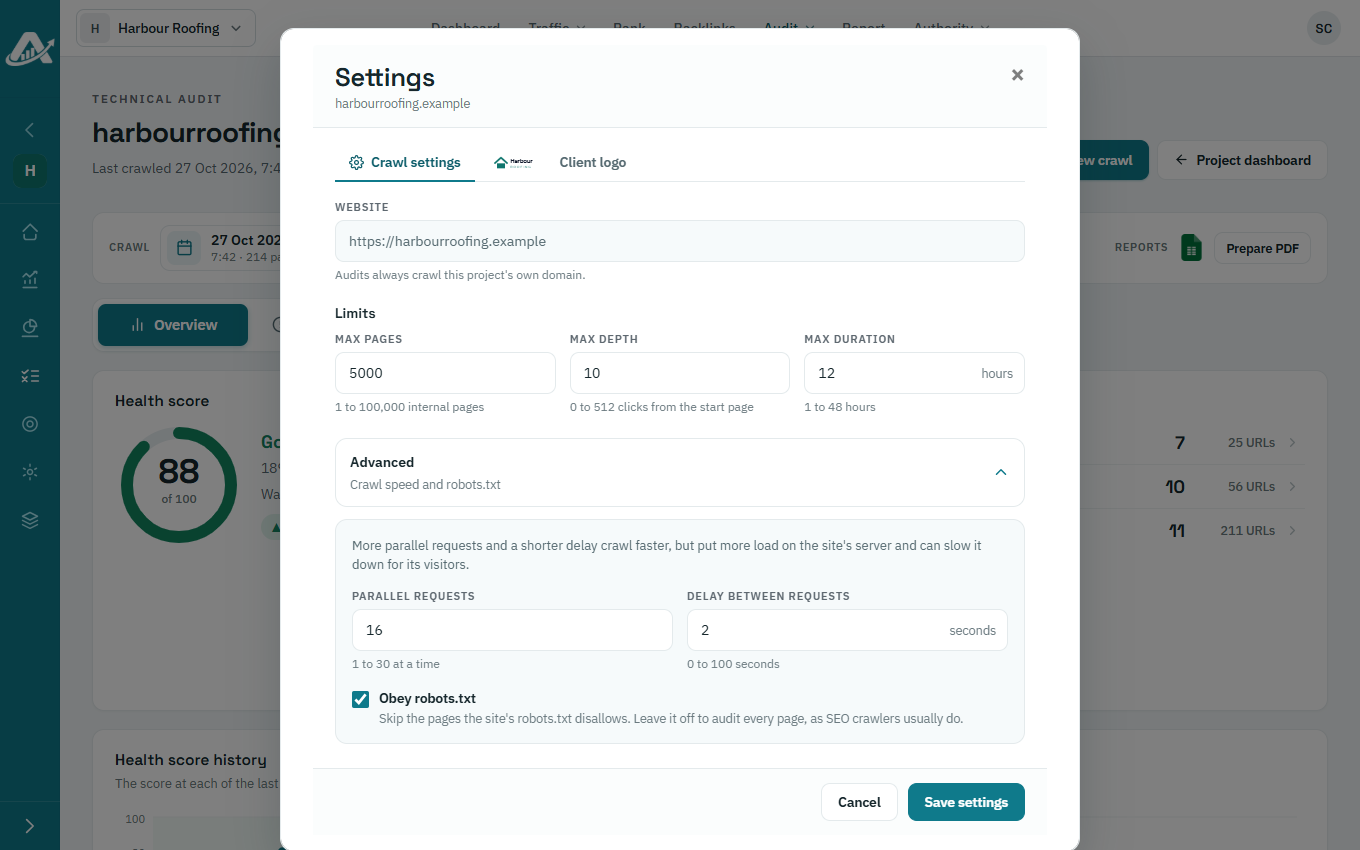
Under Limits, set the most pages to crawl (Max pages), how many clicks from the start page to follow (Max depth) and the longest the crawl can run (Max duration).
-
Under Advanced, set Parallel requests and Delay between requests: more requests and a shorter delay crawl faster, but put more load on the client’s site. Turn on Obey robots.txt to skip pages the site asks crawlers to leave alone.
-
Click Save settings.