
A technical audit crawls the client’s site page by page and checks titles, descriptions, headings, links, redirects, indexability, social tags and images. Your plan includes a number of audits a month; after that, crawls use credits.
Steps
-
Open the client’s project and go to Audit › Technical audit.
-
The first time, click Set up Site Audit to switch audits on for this project.
-
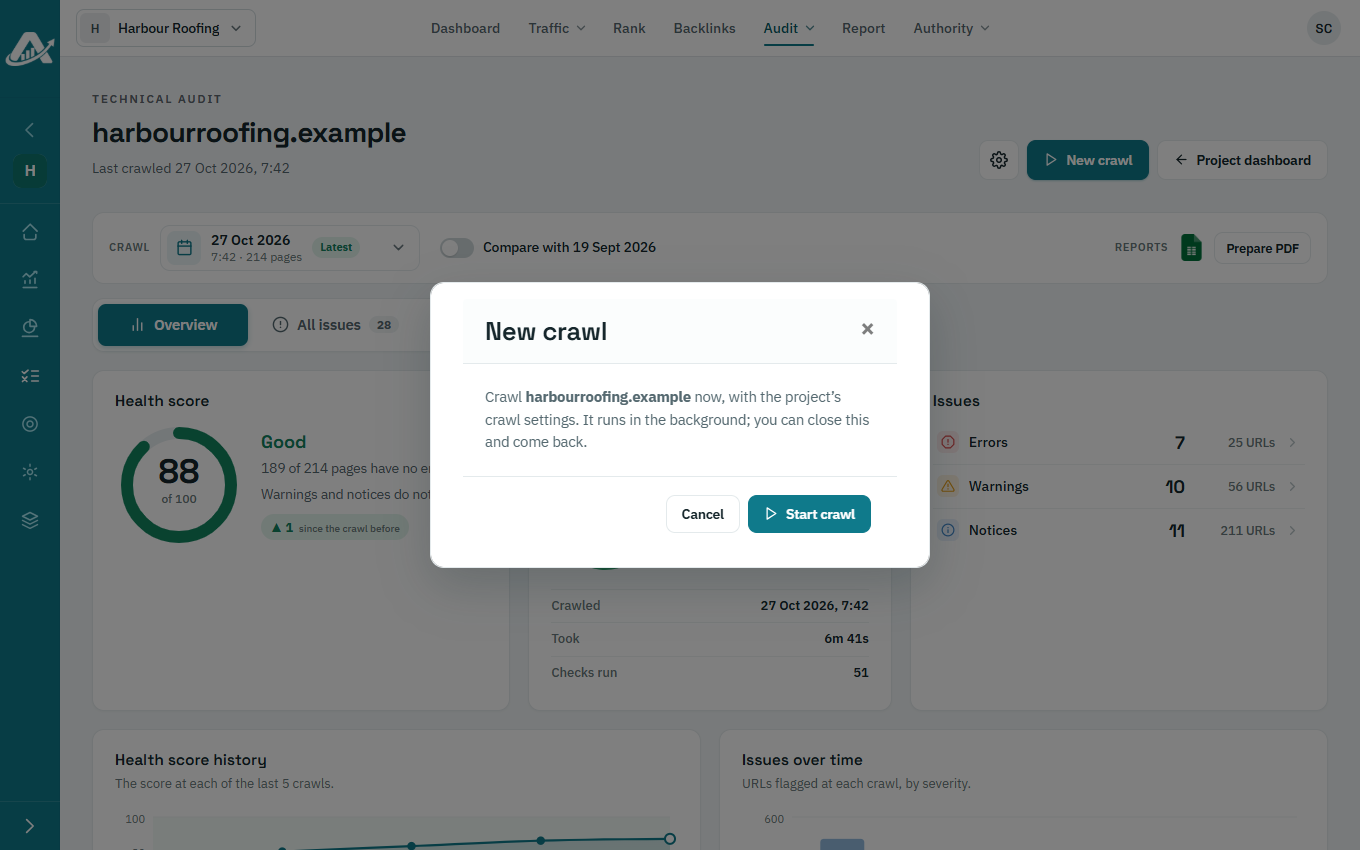
Click Start the first crawl (or New crawl next time), then Start crawl.
-
The crawl runs in the background, so you can leave the page. The report opens here when it finishes.
Troubleshooting
- If you can’t start a crawl, your role may not allow it. By default, only Owners, Admins and Members can run audits.