
The Search Console audit reads the client’s Google Search Console and lists what to fix and where the site can grow. Connect Search Console first: see How to connect Google Search Console to a client project.
Steps
-
Open the client’s project and go to Audit › Search Console audit.
-
Choose the dates at the top: Last 7 days, Last 28 days, Last 3 months or Last 6 months.
-
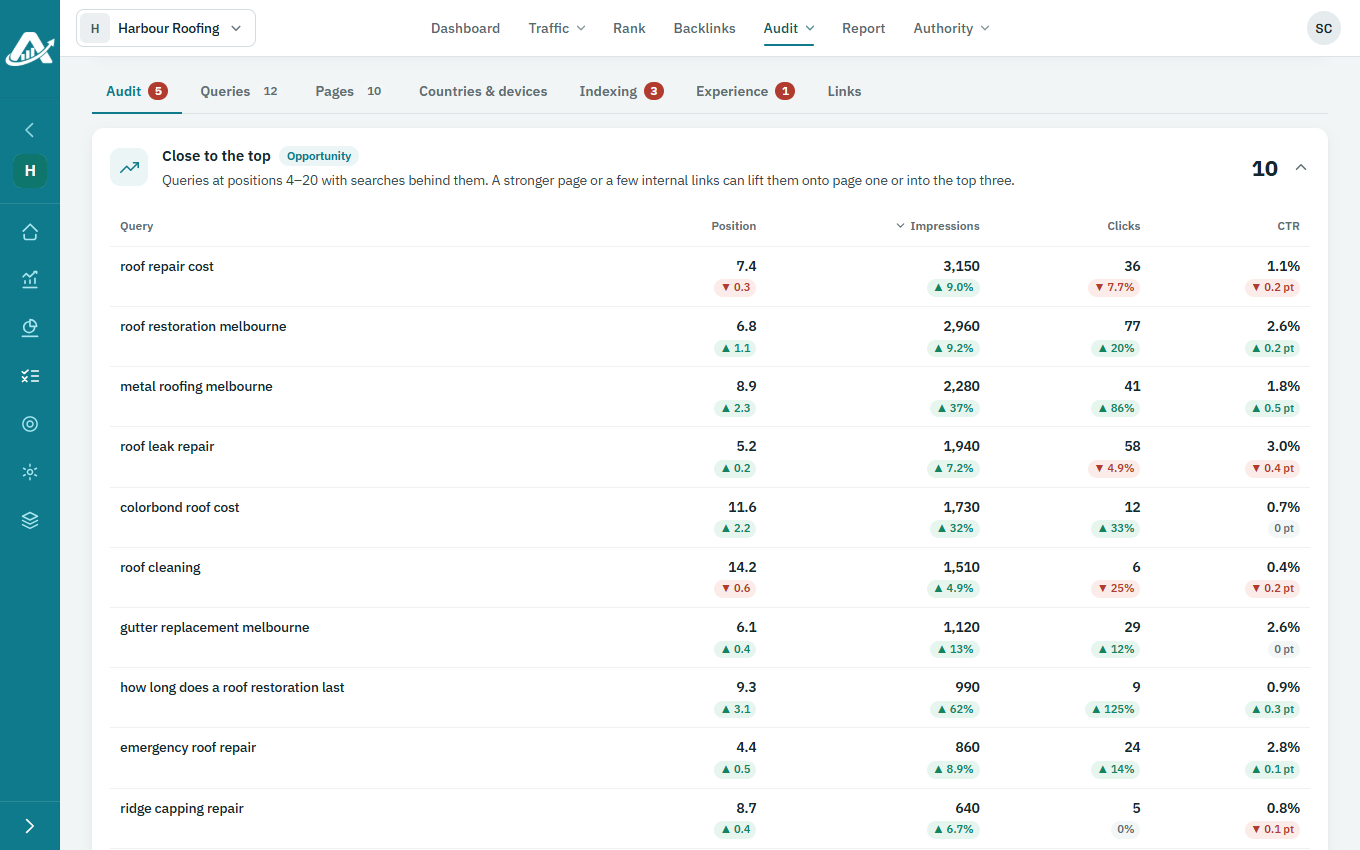
The Audit tab lists the findings, most important first. Each is marked critical, warning, opportunity or passed.
-
The other tabs go into detail: Queries, Pages, Countries & devices, Indexing, Experience and Links.
-
To keep a copy of the whole audit, click Download Excel.