
When someone invites you to their workspace, you get an email with a link to join. You’ll work on their plan, so there’s nothing to pay.
Steps
-
Open the invitation email and click Accept the invitation.
-
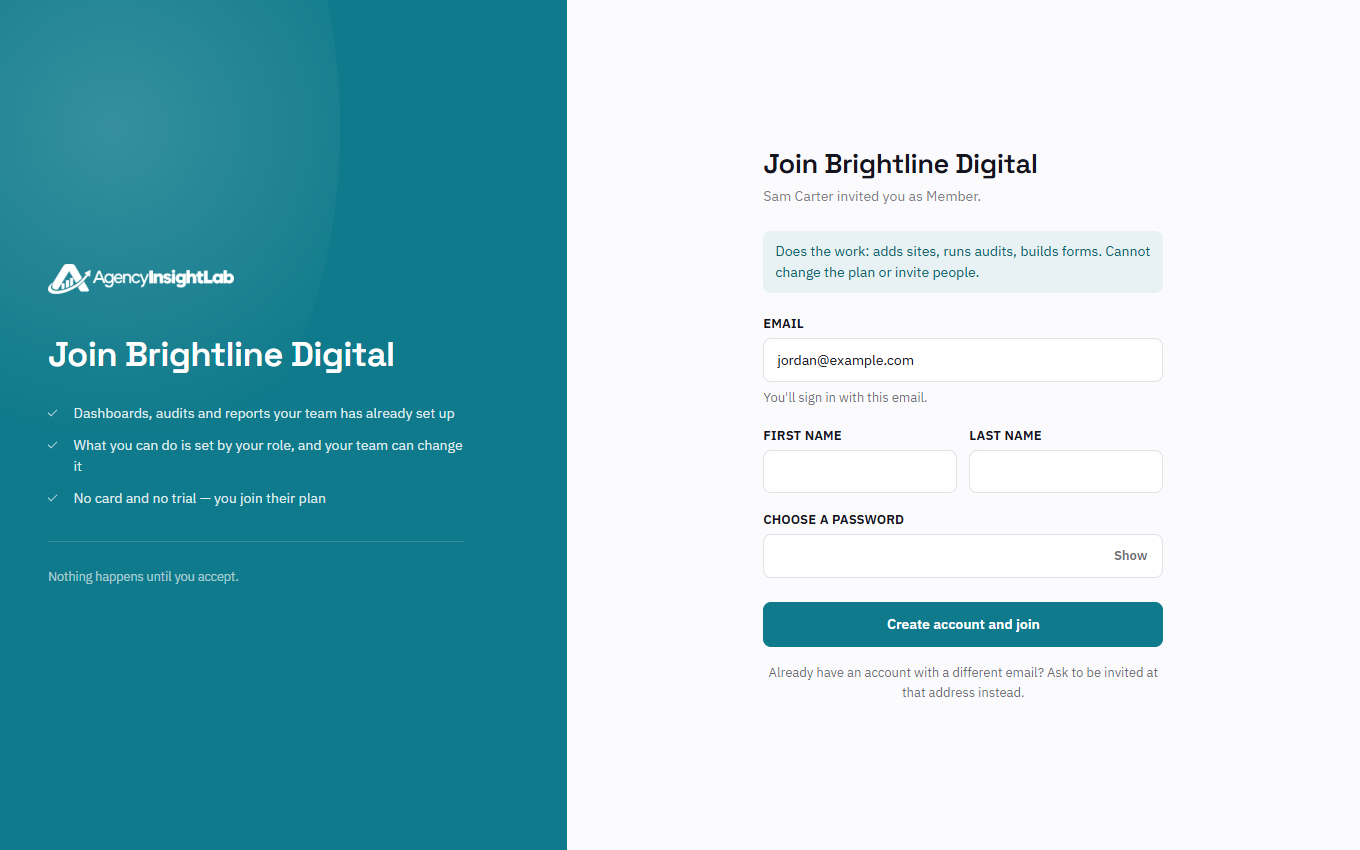
If you’re new to AgencyInsightLab, enter your name, choose a password and click Create account and join. If you already have an account, click Sign in to accept and log in. If you’re already logged in, just click Join.
Troubleshooting
- If the invitation has expired, ask the person who invited you to send it again. Invitations work for 7 days.
- If the page says you’re signed in as someone else, click Sign out and continue.