
Delete a project when you stop working with a client. This frees up its place on your plan.
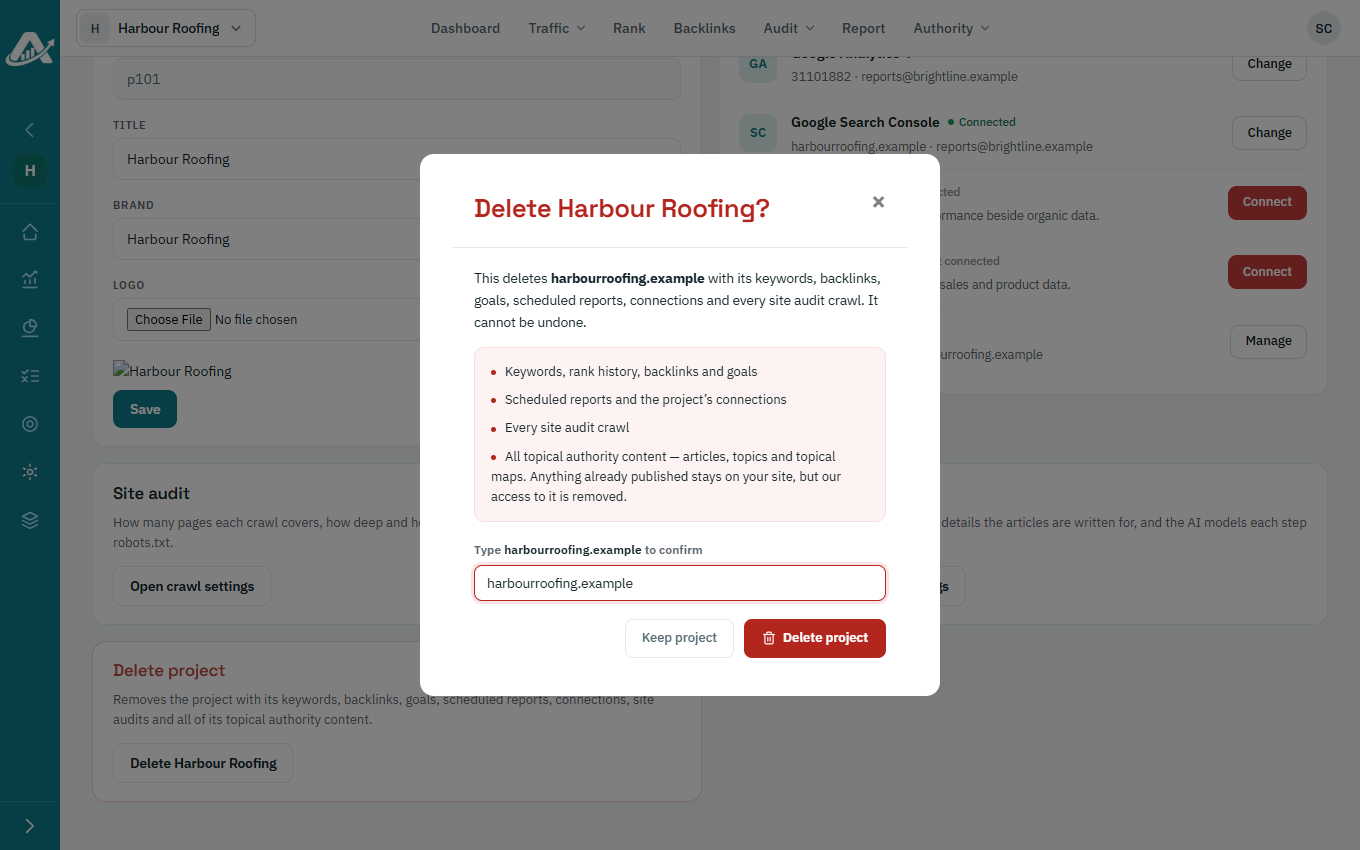
Everything held for the client is deleted with the project, including reports, audits and content, and this can’t be undone. Download any reports you want to keep first. Anything already published on the client’s website stays there.
Steps
-
Open the project and click Settings in the sidebar.
-
Scroll down to Delete project and click the Delete button.
-
Type the website address to confirm, then click Delete project.
Troubleshooting
- If you can’t delete the project, your role may not allow it. Ask the workspace owner or an admin.