
You can rename a project, or change its brand name or logo, at any time from the project’s settings. The website address and the ranking country can’t be changed.
Steps
-
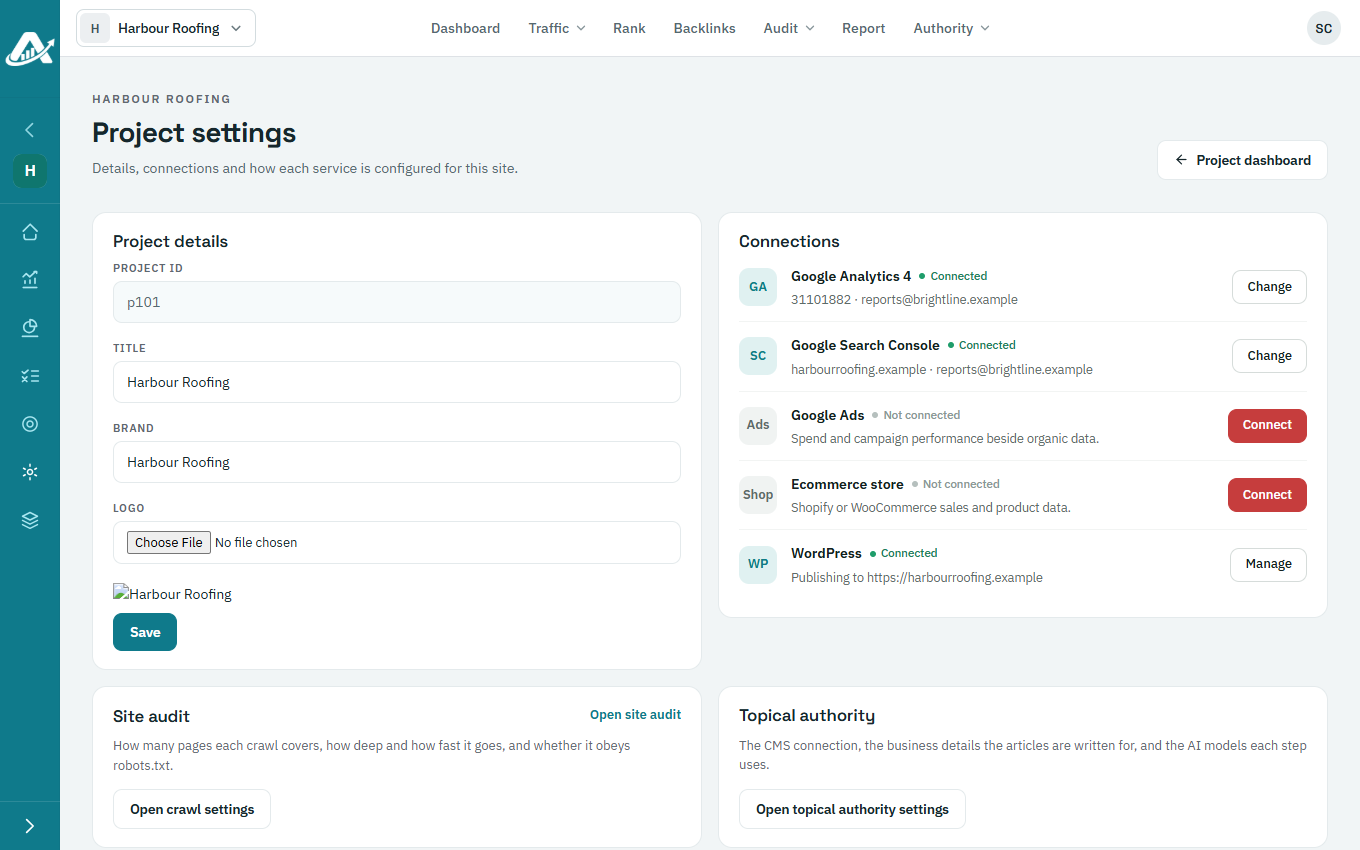
Open the project and click Settings in the sidebar.
-
Under Project details, change the Title or Brand. To change the logo, click Logo and choose an image.
-
Click Save.