
Add a project for each client website you work on. Everything you do for that client, from tracking to content, happens inside its project.
Steps
-
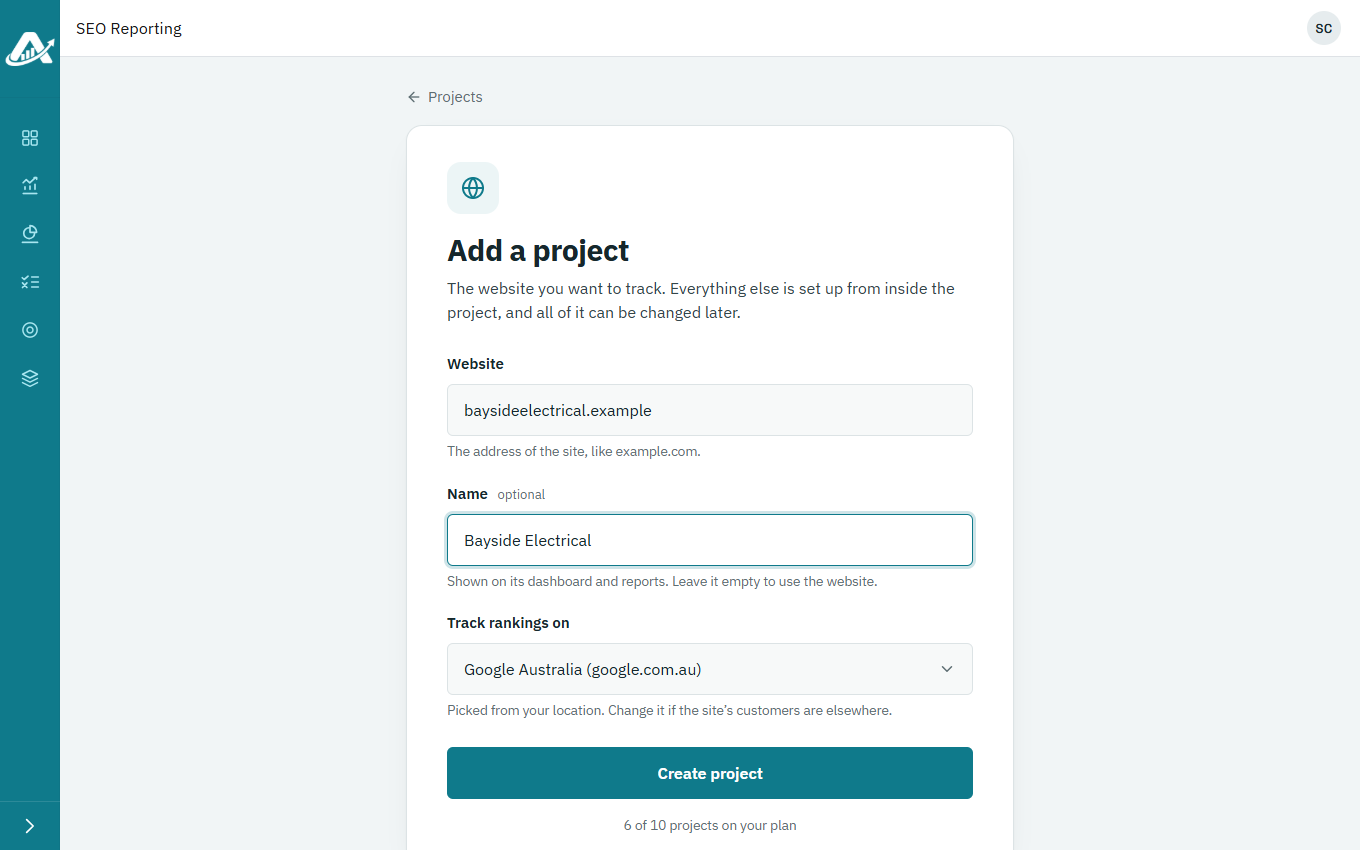
On the Projects page, click Add a project.
-
Enter the client’s website, such as example.com. You can also give the project a name to show instead of the web address.
-
Under Track rankings on, check the country. Rankings are checked on Google in that country, and you can’t change it later.
-
Click Create project.
Troubleshooting
- If your plan has no room for another project, click Add clients to your plan, then try again.
- If you’re told the website already has a project, open that one from the Projects page.