The first time you log in, we ask three quick questions. Your answers set up your workspace and create your first project from your own website.
Steps
-
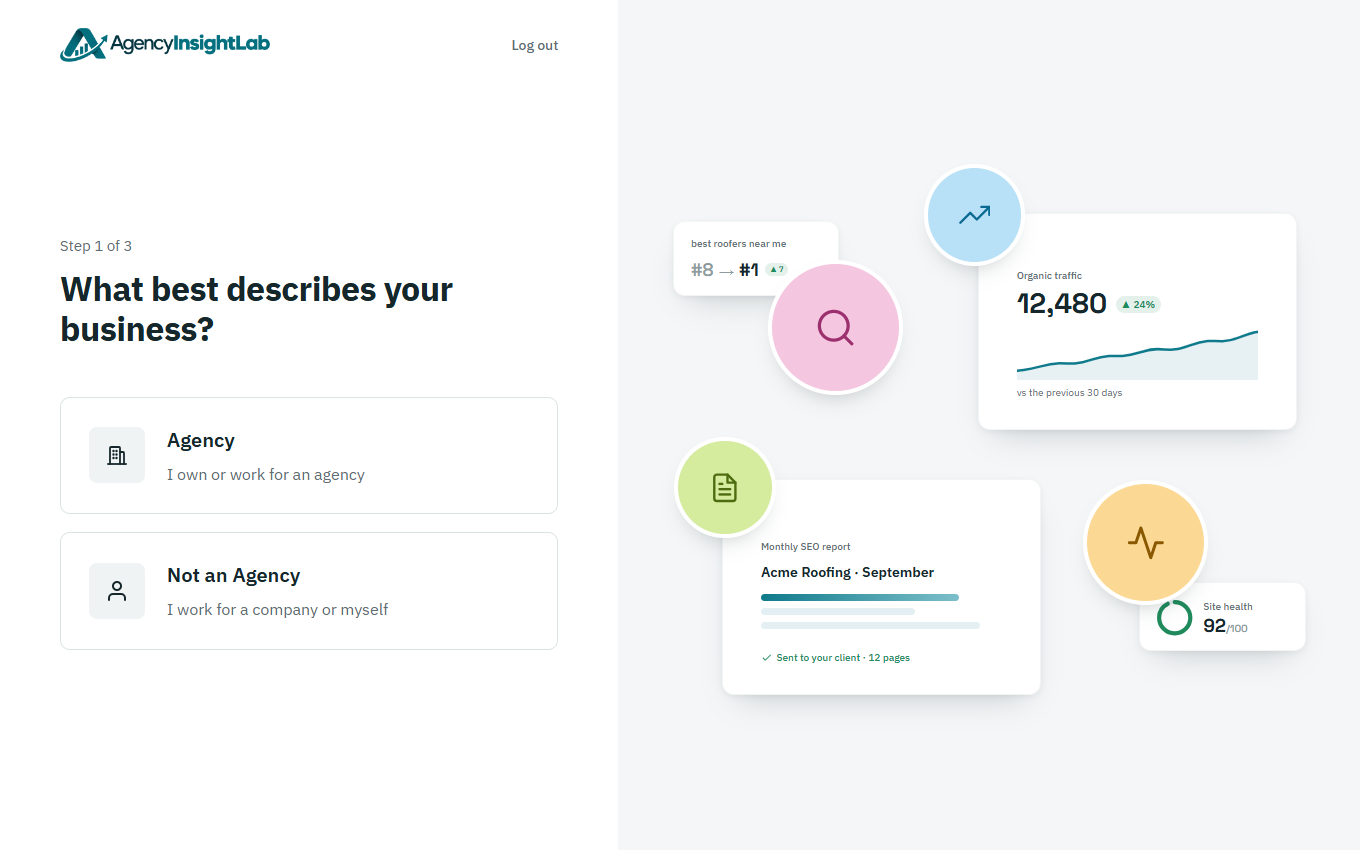
Choose Agency or Not an Agency.
-
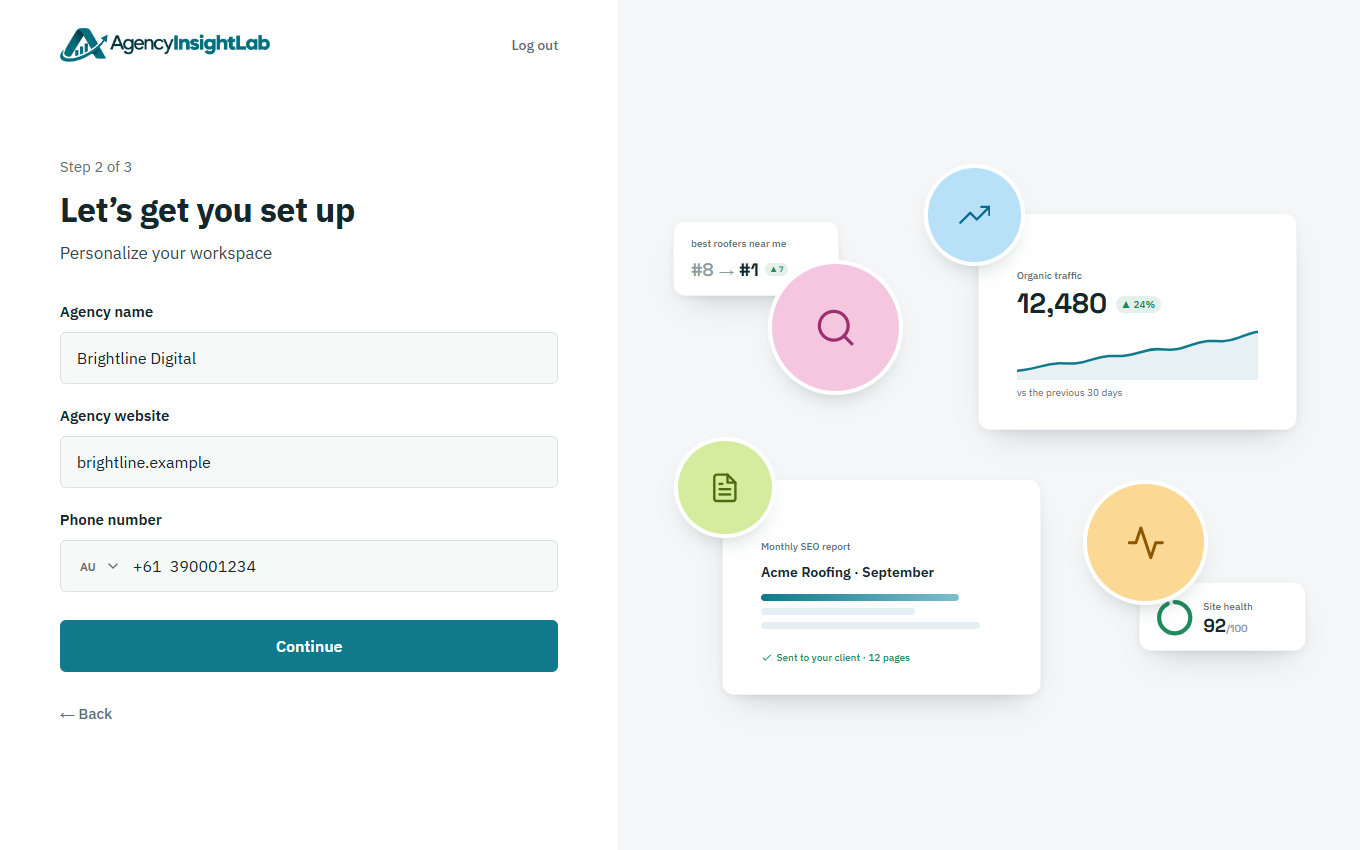
Enter your company’s name, website and phone number, then click Continue.
-
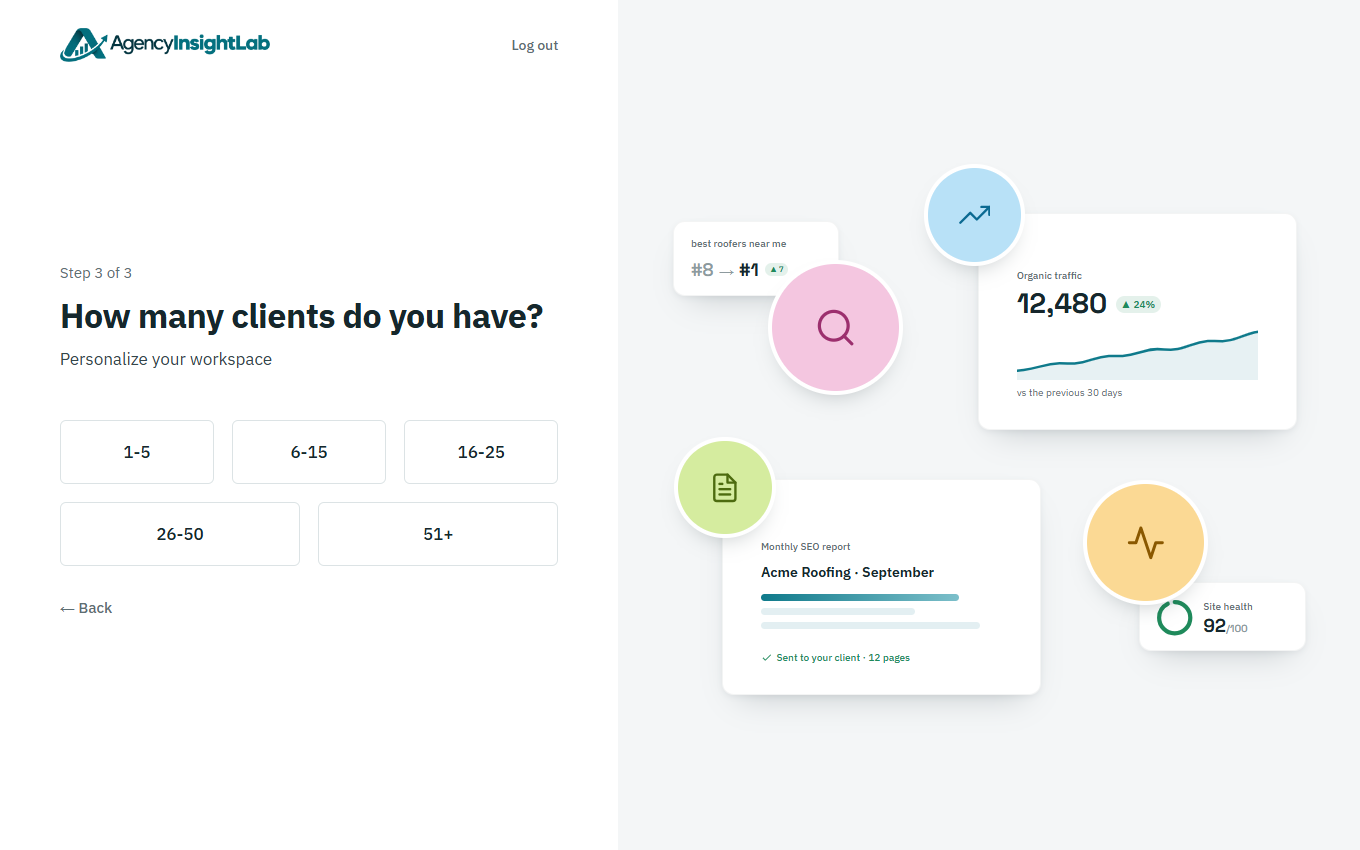
Choose how many clients you have, or how many websites you manage if you’re not an agency. Your first project opens next.