
Integration
Google Search Console integration
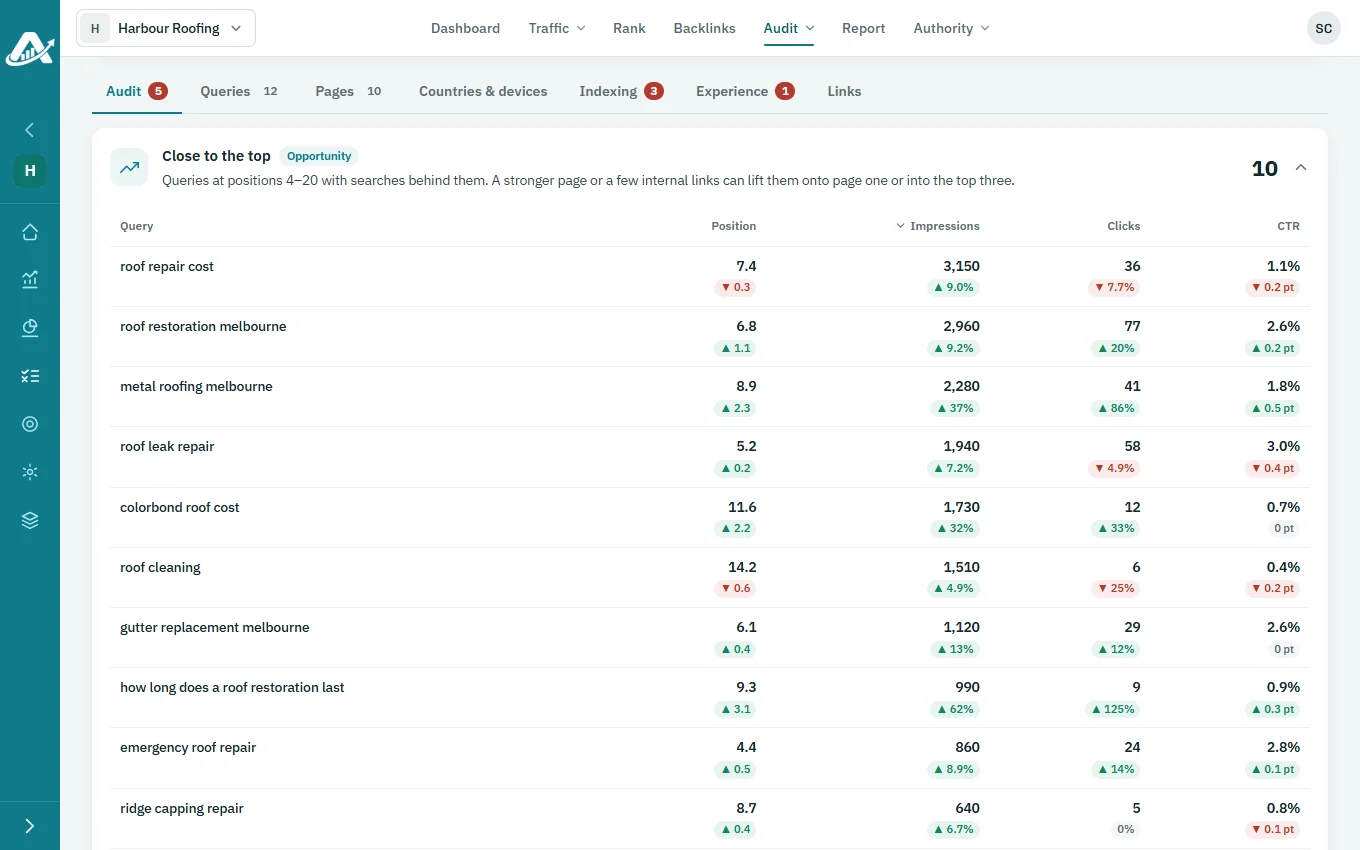
Connect each client’s Search Console site with read-only Google access, and AgencyInsightLab reads it as an audit: indexing, experience, links, queries, pages and countries.
No card needed for the trial.
What the connection is for
What you can do once it is connected
Search Console audit
Findings marked critical, warning, opportunity or passed.
Indexing
Sitemaps and the reasons pages aren’t indexed.
Experience
Core Web Vitals and PageSpeed Insights tests.
How to connect
Open the project’s connections and choose Connect for Google Search Console. Sign in with Google, then pick the site and choose Use this site.
The Google account must be a user of the site in Search Console. You can change the site, switch the account or disconnect at any time.

Learn how in the User Guide
Questions about the Search Console integration
Is the connection read-only?
Yes. AgencyInsightLab reads the site’s Search Console data and changes nothing.
Can I use a different Google account from GA4?
Yes. The Search Console connection is separate from the GA4 connection.
Why is my site missing from the list?
The signed-in Google account has to be a user of that site in Search Console.
Does it replace the technical crawl?
No. They complement each other: one reads Google’s data, the other crawls the site.
Try it with one client first
Add a client’s website, run a technical audit and plan their topics. The trial includes every feature.
No card needed for the trial.