
Site audits
Find and fix what holds a client site back
Crawl a client’s site for technical problems, read its Search Console data as an audit, and compare crawls to show the work paid off.
No card needed for the trial.
What it covers
Two audits, one place
Technical SEO audit
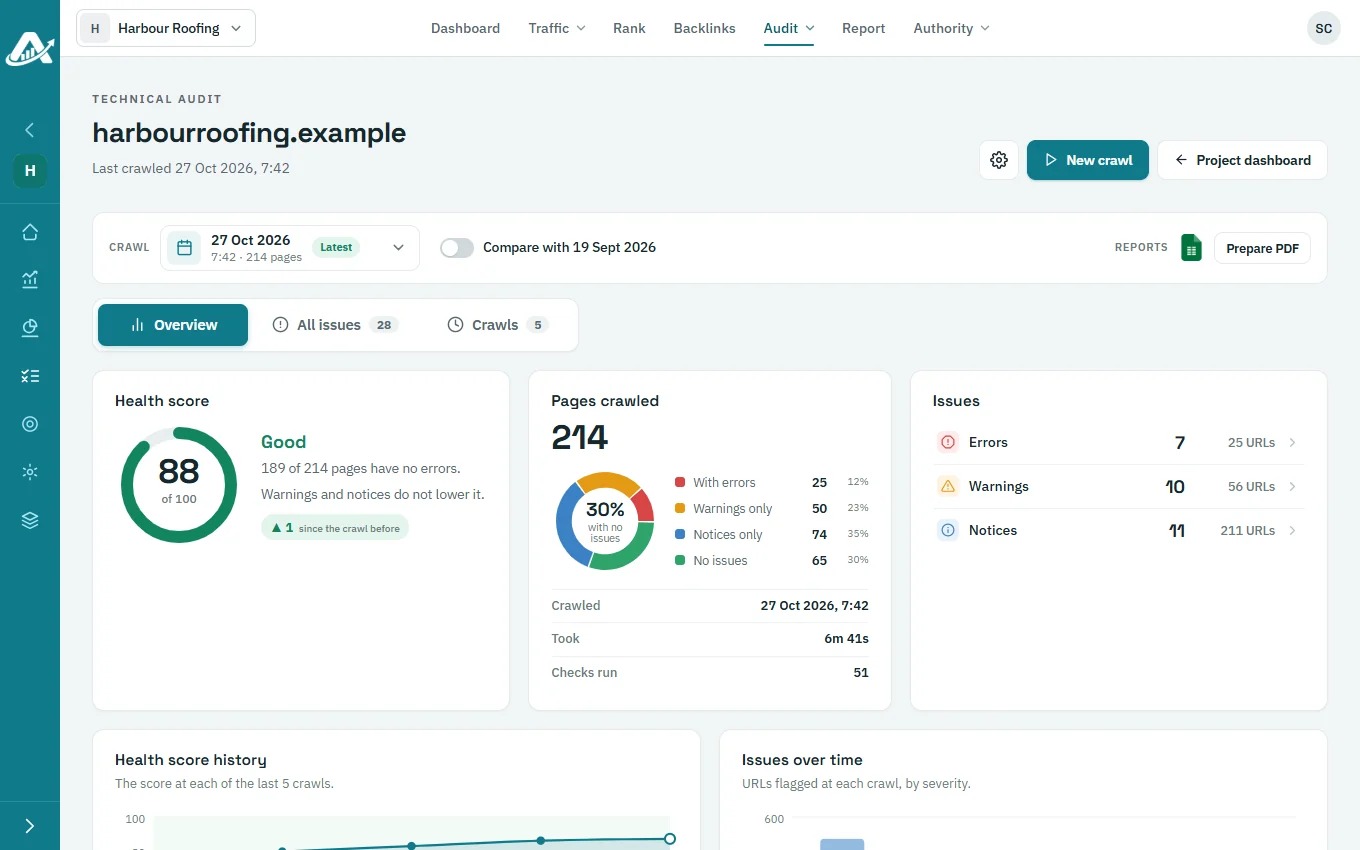
Crawl the site, get a health score and a fix for every issue, compare crawls, export Excel or PDF.
Search Console audit
Indexing problems, Core Web Vitals, page-speed tests, links and queries, with an Excel export.
How it works
From first crawl to proof of the fix
01
Set the crawl
Choose the start URL, page limit, depth, speed and whether to obey robots.txt.
02
Read the issues
Each issue says what it is, why it matters, how to fix it and which URLs it affects.
03
Fix and re-crawl
Run a new crawl when the fixes are live, then compare it with the one before.
04
Share the result
Download Excel, or prepare a PDF audit with the client’s logo.
Crawls run when you start them. Audits included each month are set per client on the plan, and extra crawls are paid in credits by crawl size.
Questions about site audits
Do I need Search Console for the technical audit?
No. The technical audit crawls the site itself. Search Console is only needed for the Search Console audit.
How large a site can I crawl?
Crawl settings take up to 100,000 pages, and your plan sets the most pages one crawl can include. The pricing page shows the current limit.
Can I put the client’s logo on the audit?
Yes. Set a client logo for the audited domain and it appears on the PDF audit.
Can I see what changed between two crawls?
Yes. The comparison marks each issue as new, still there or fixed, and downloads as Excel.
Try it with one client first
Add a client’s website, run a technical audit and plan their topics. The trial includes every feature.
No card needed for the trial.